
Bookshelf and search
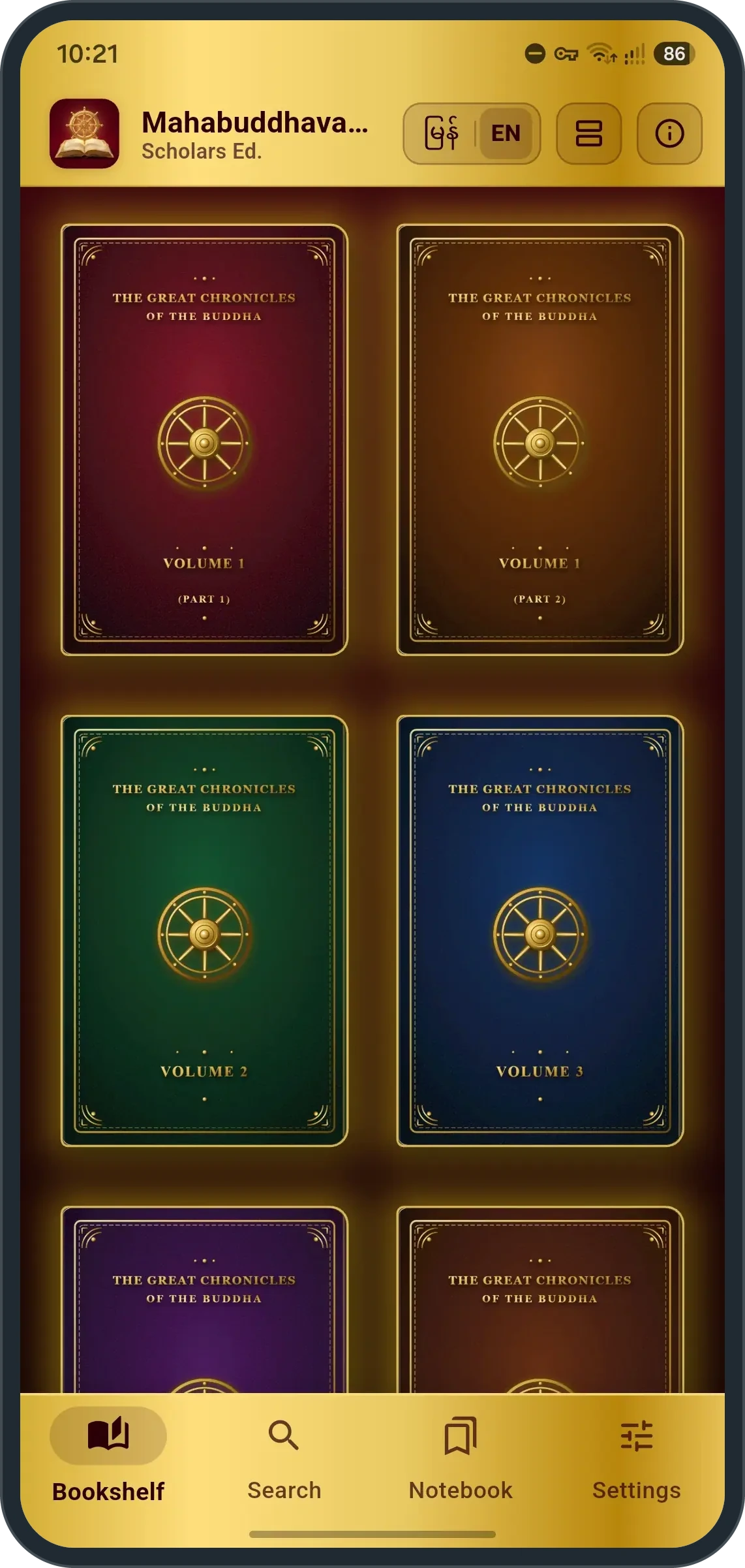
The bookshelf identifies each volume by its cover and number. Open a cover to begin reading, or use the bottom navigation to reach Search or Notebook.
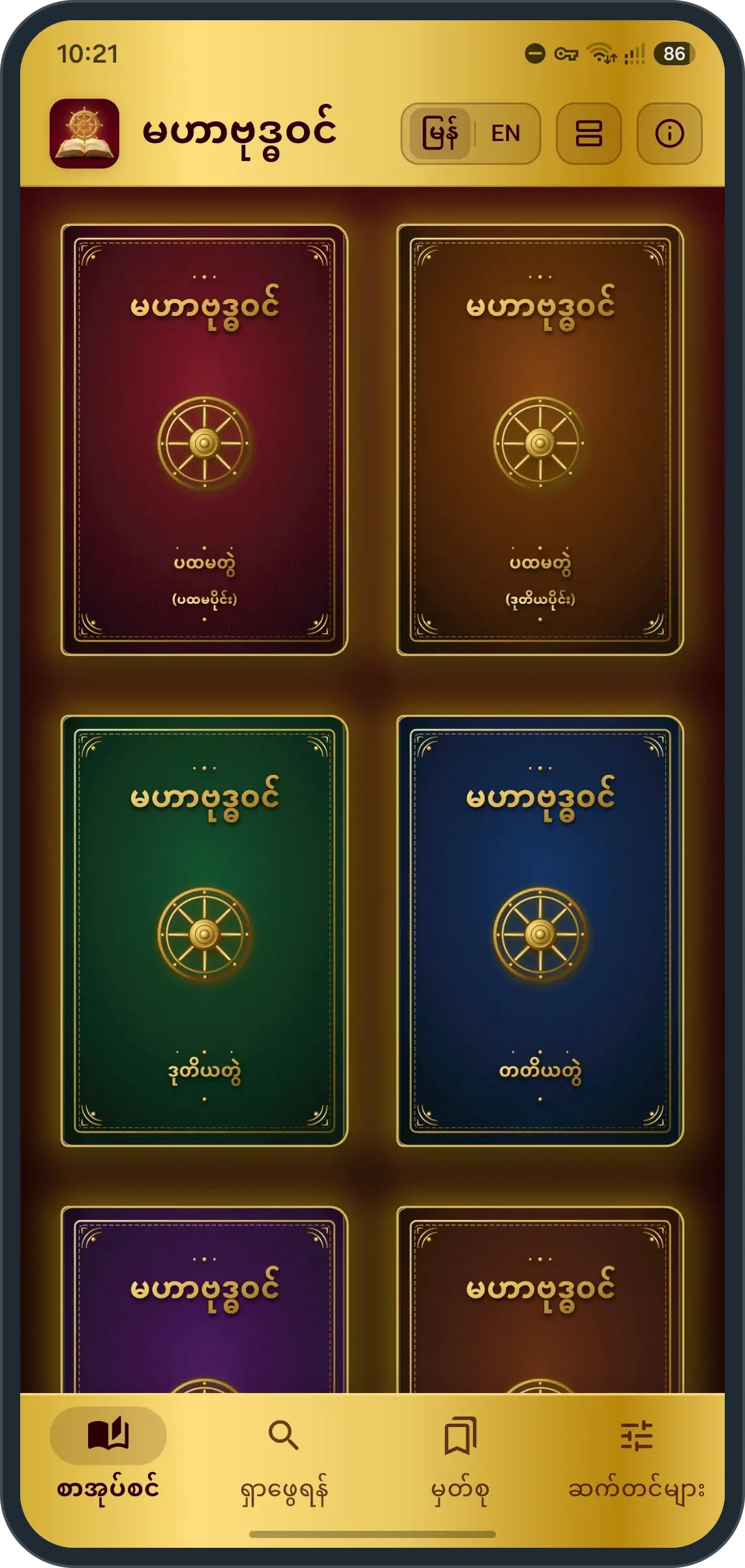
The same colored bindings carry Myanmar titles and volume numbers. The language control at the top switches the bookshelf interface.
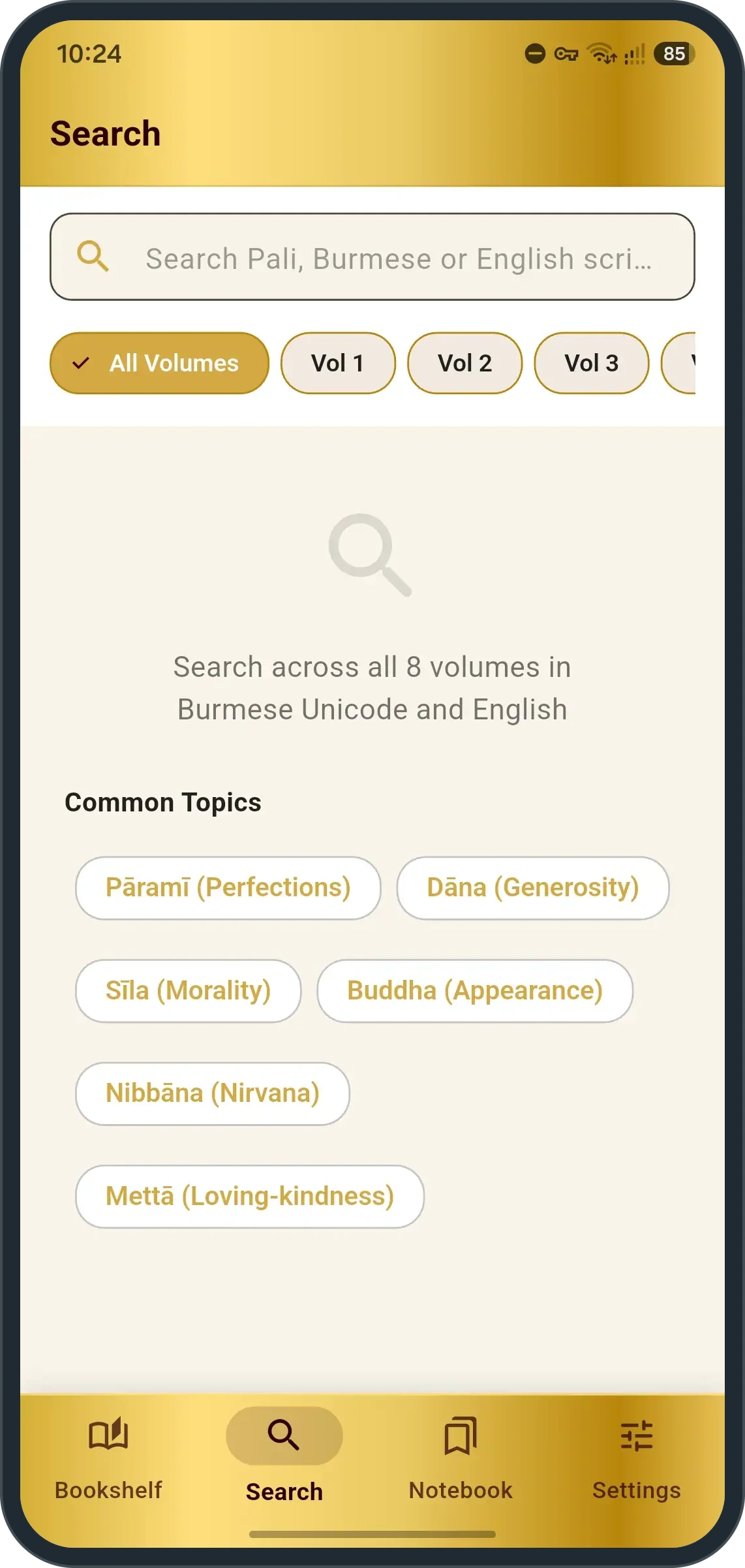
Enter a term and choose All Volumes or a single volume. The common-topic buttons offer starting points such as pāramī, generosity, and loving-kindness.
Reading the chronicle
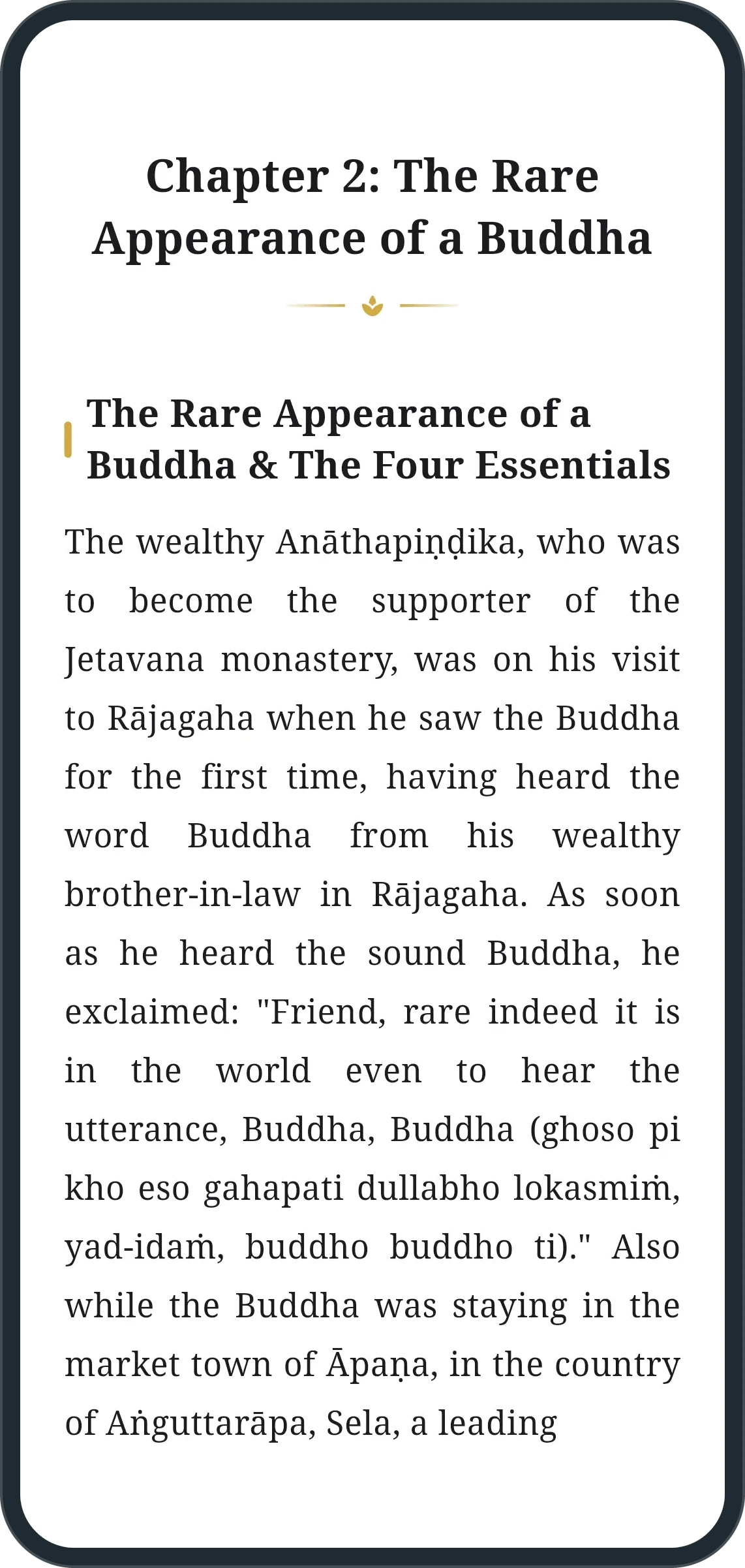
The Rare Appearance of a Buddha opens with Anāthapiṇḍika’s visit to Rājagaha. A chapter heading and a separate section heading distinguish the chapter from the topic being read.
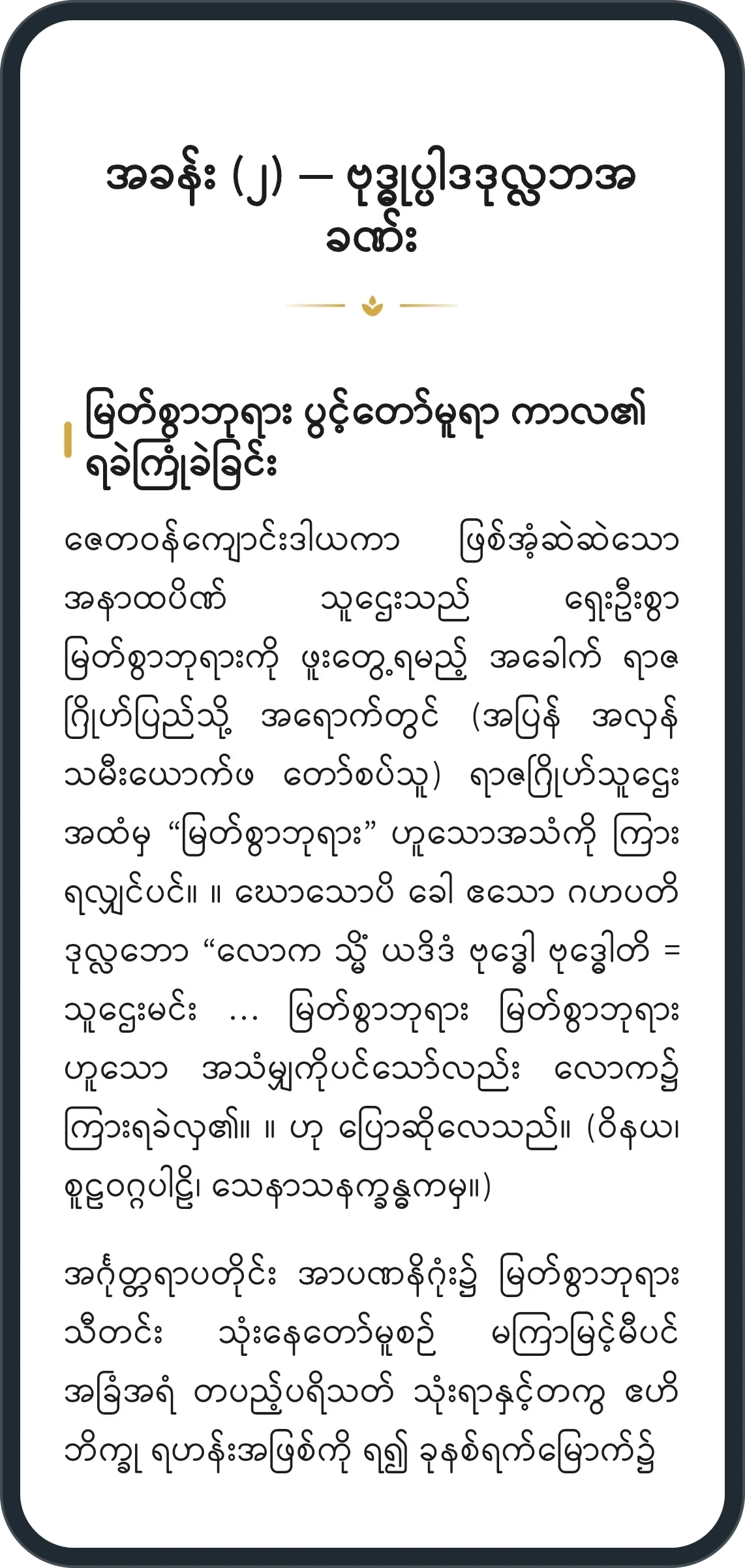
The Myanmar edition opens the corresponding chapter and section in Myanmar script. The section marker separates the heading from the account that follows.
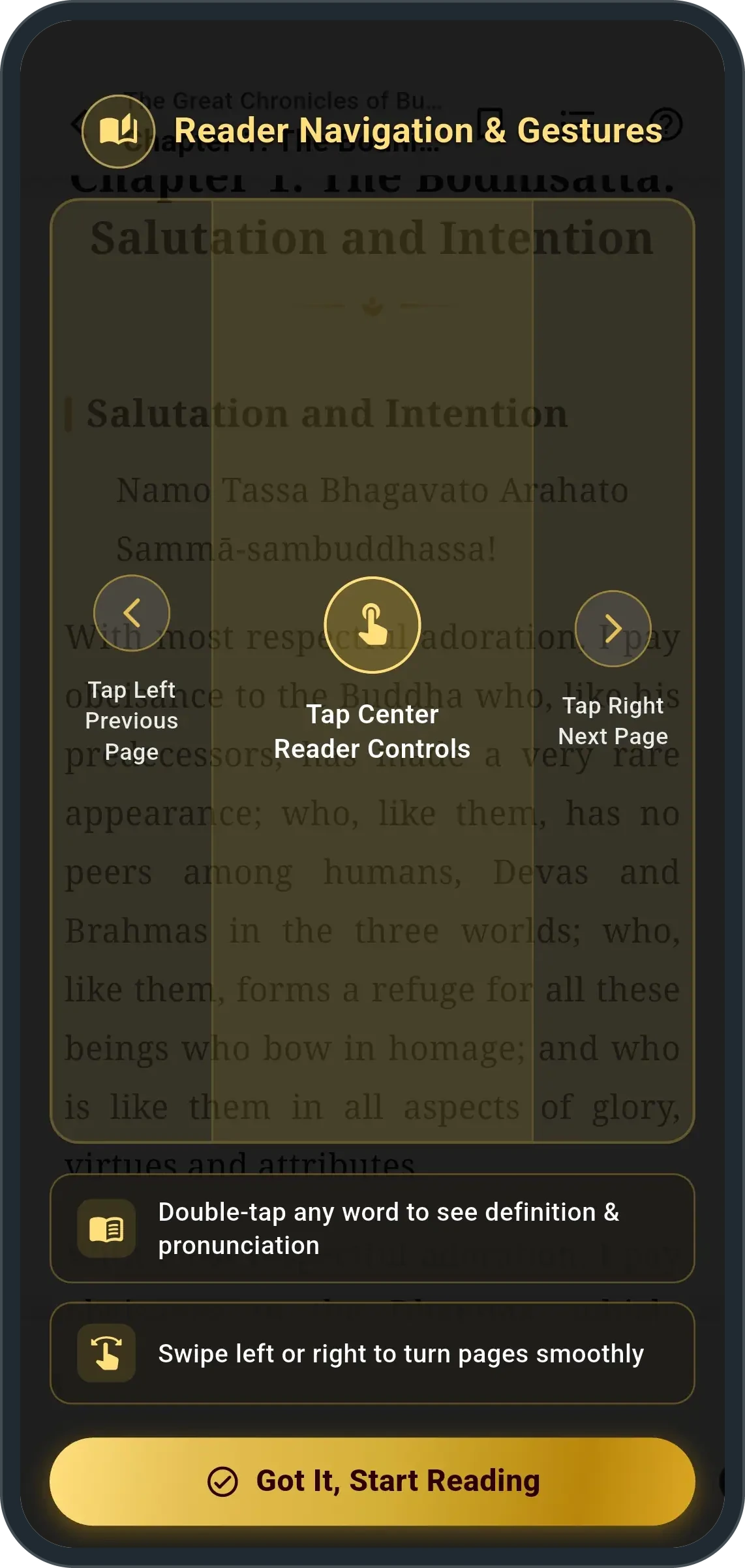
The guide marks the left edge for the previous page, the right edge for the next, and the center for controls. It also shows how to swipe between pages and double-tap a word.
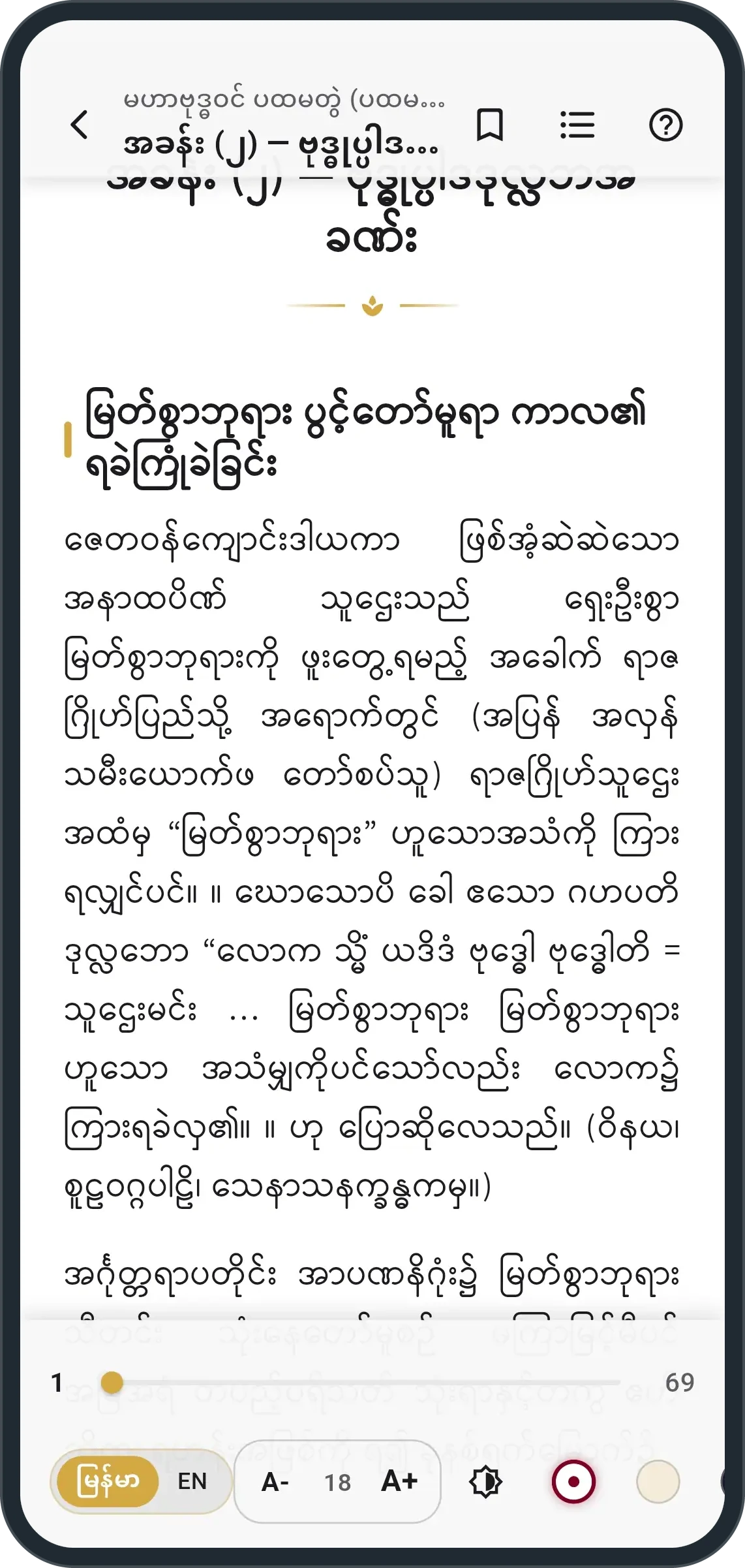
On the Myanmar reading page, the bottom bar provides a page slider, language switch, A− and A+ controls, and background colors. The bookmark and contents controls are at the top.
Dictionary and vocabulary
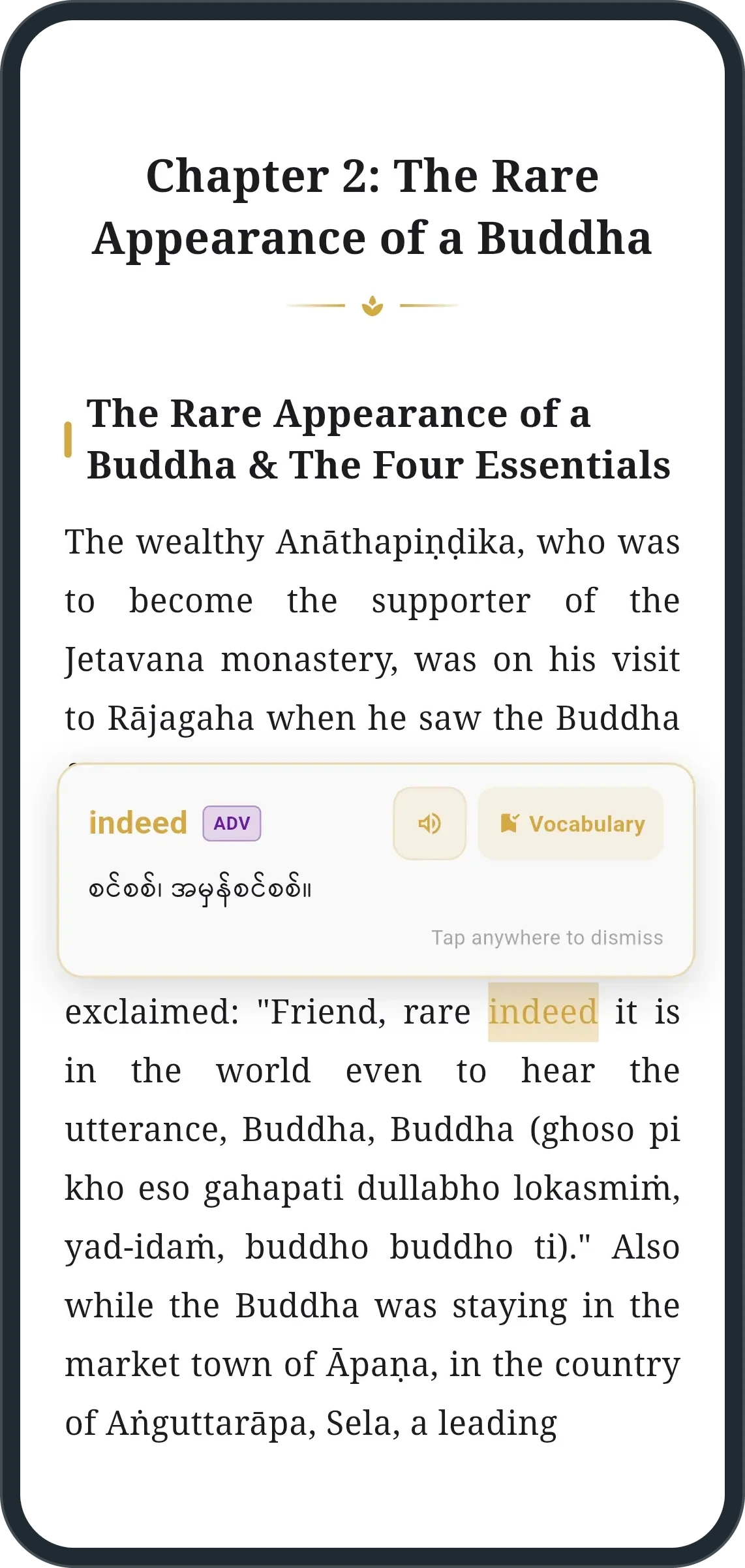
Double-tapping “indeed” highlights the word and displays its adverb label and Myanmar definition. Listen with the speaker or save the entry using Vocabulary.
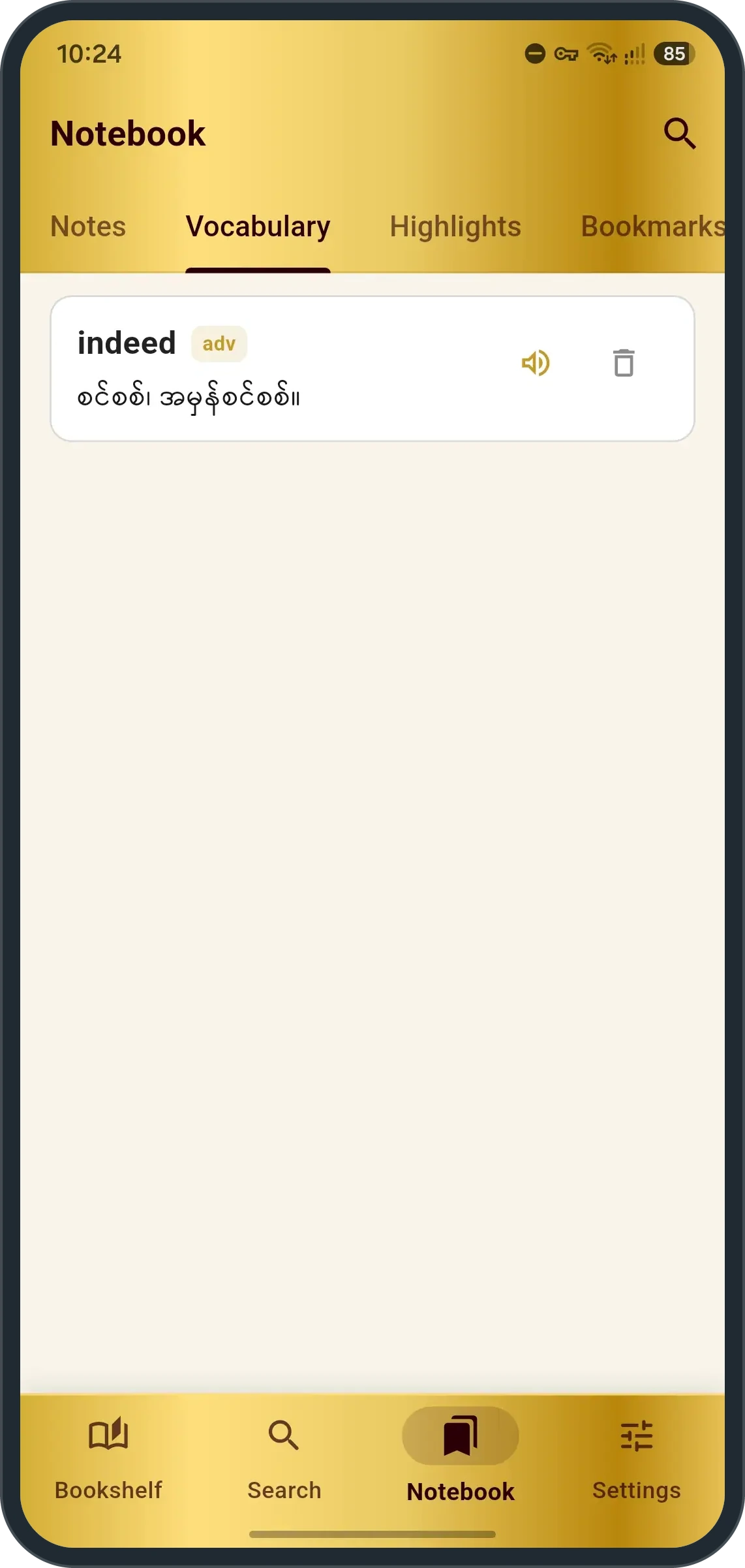
The Vocabulary tab now contains “indeed” and its Myanmar meaning. Use the speaker to hear it again, or remove it with the bin icon.
Highlights and notebook entries
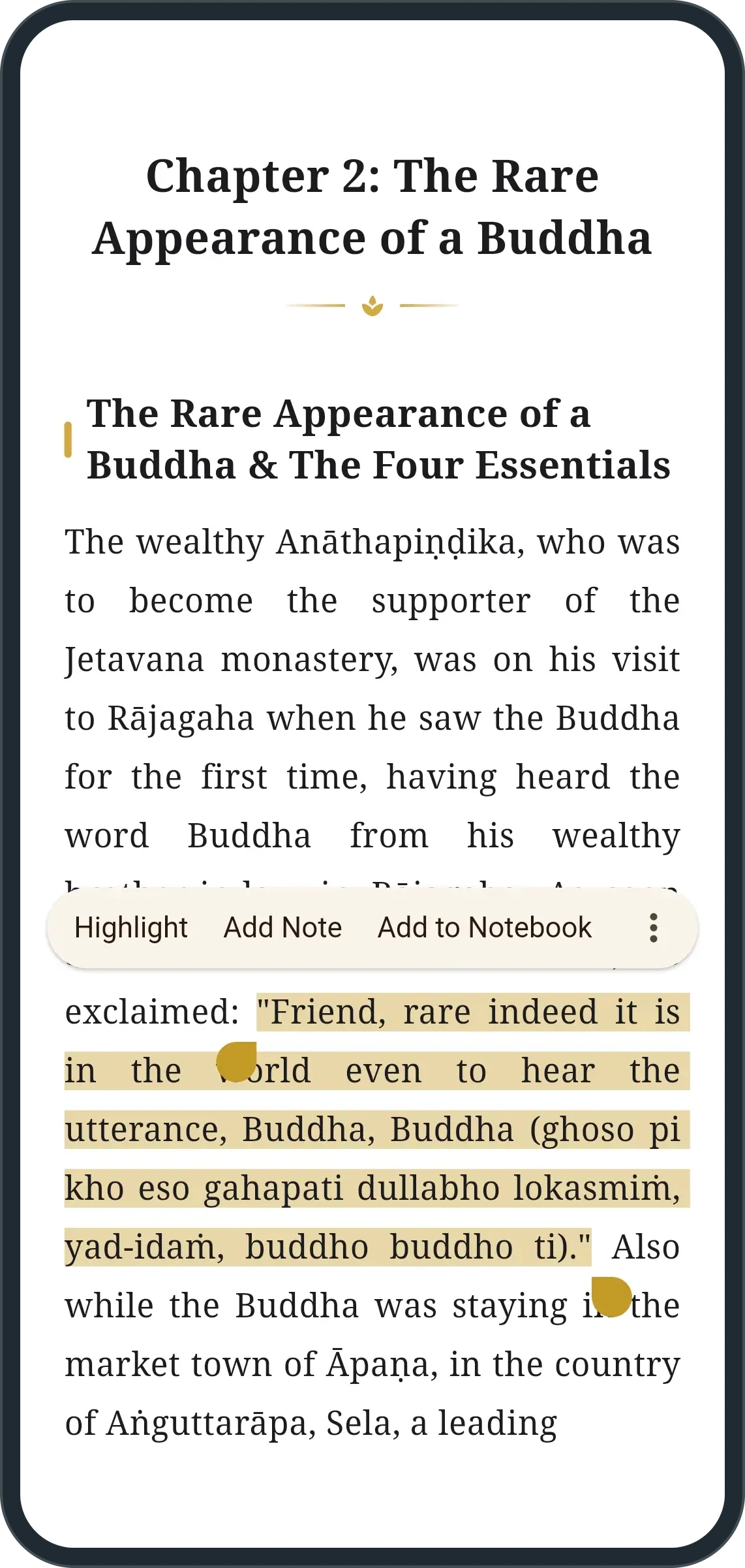
The selection spans the passage about how rare it is to hear the word Buddha. The menu lets you highlight it, write a note, or add it to the notebook.
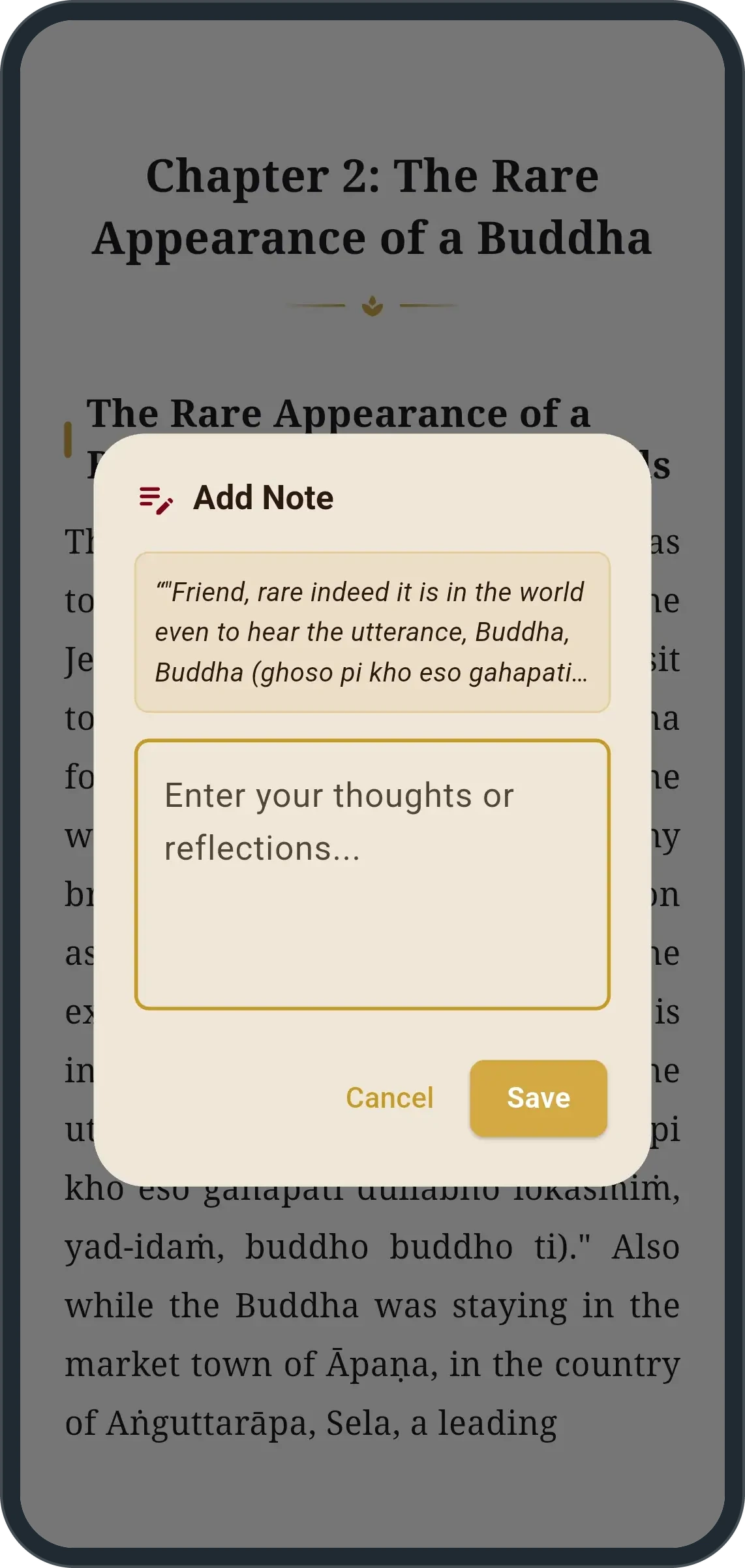
The Add Note dialog repeats the beginning of the quotation above the writing field. Enter your thoughts and tap Save to attach them to that passage.