
Daily verse and reminders
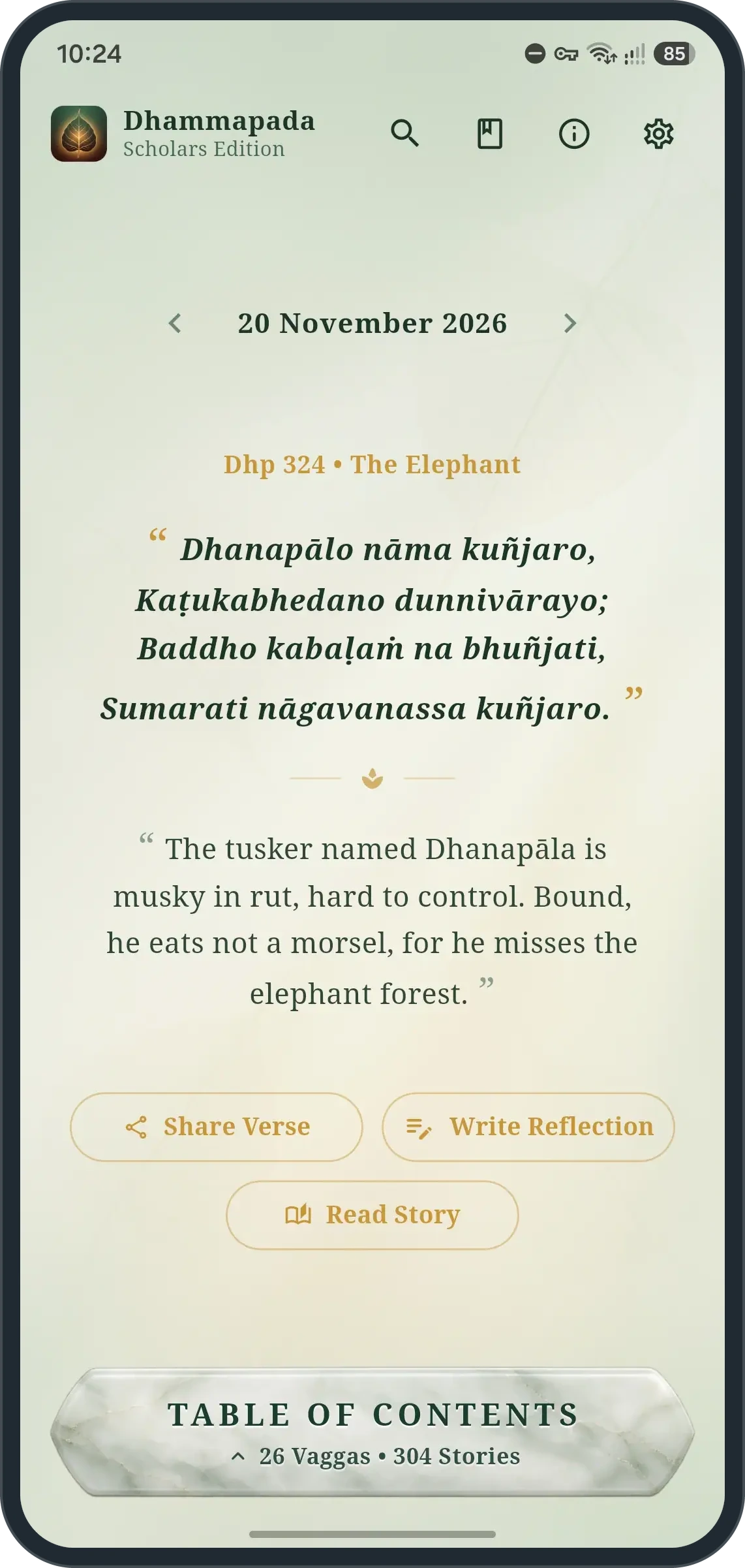
The home screen pairs the Pāḷi of verse 324 with an English translation. Read Story opens the commentary, while Write Reflection lets you respond to the verse.
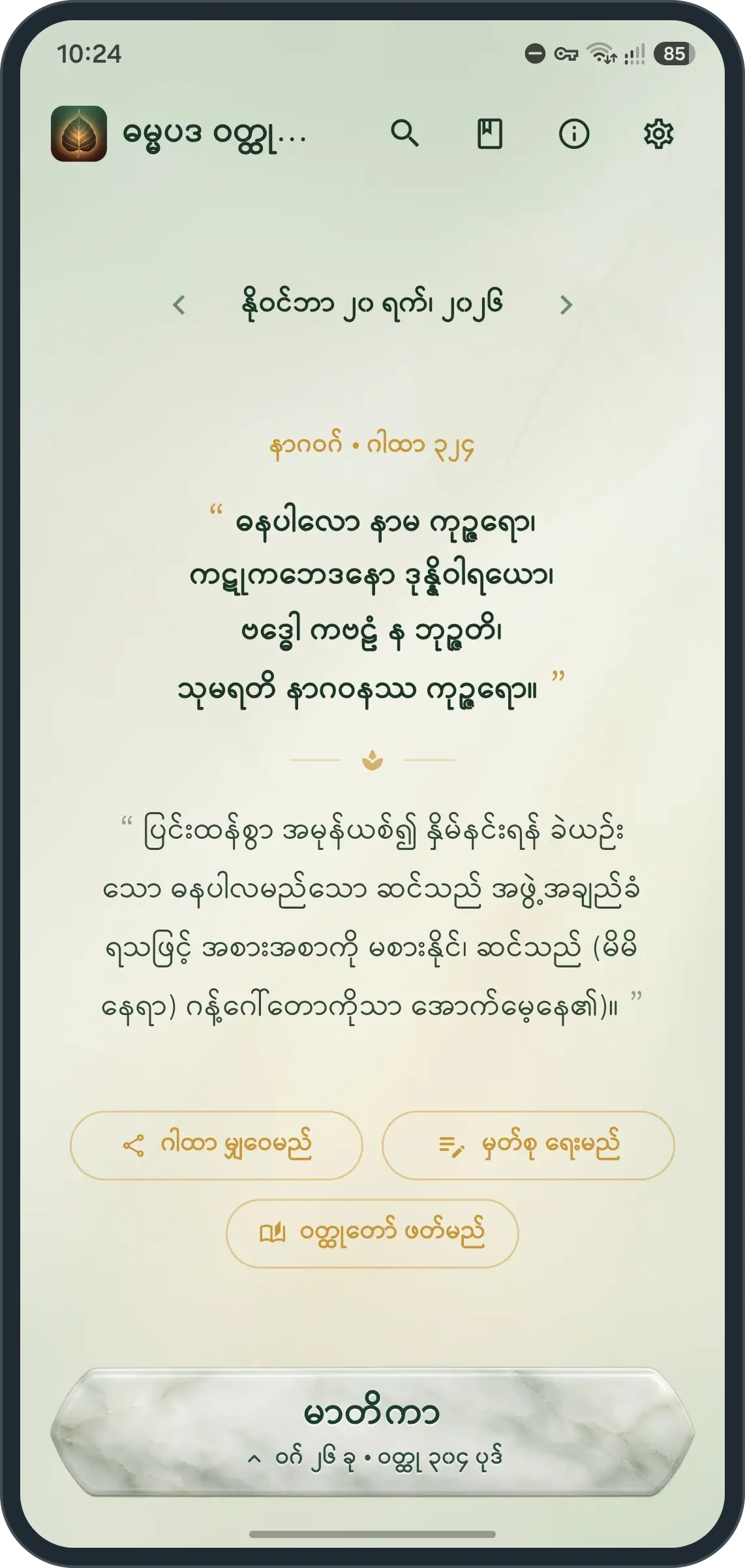
The Myanmar home screen presents the same verse with Myanmar-script text and translated actions. Use the date arrows to browse another day.
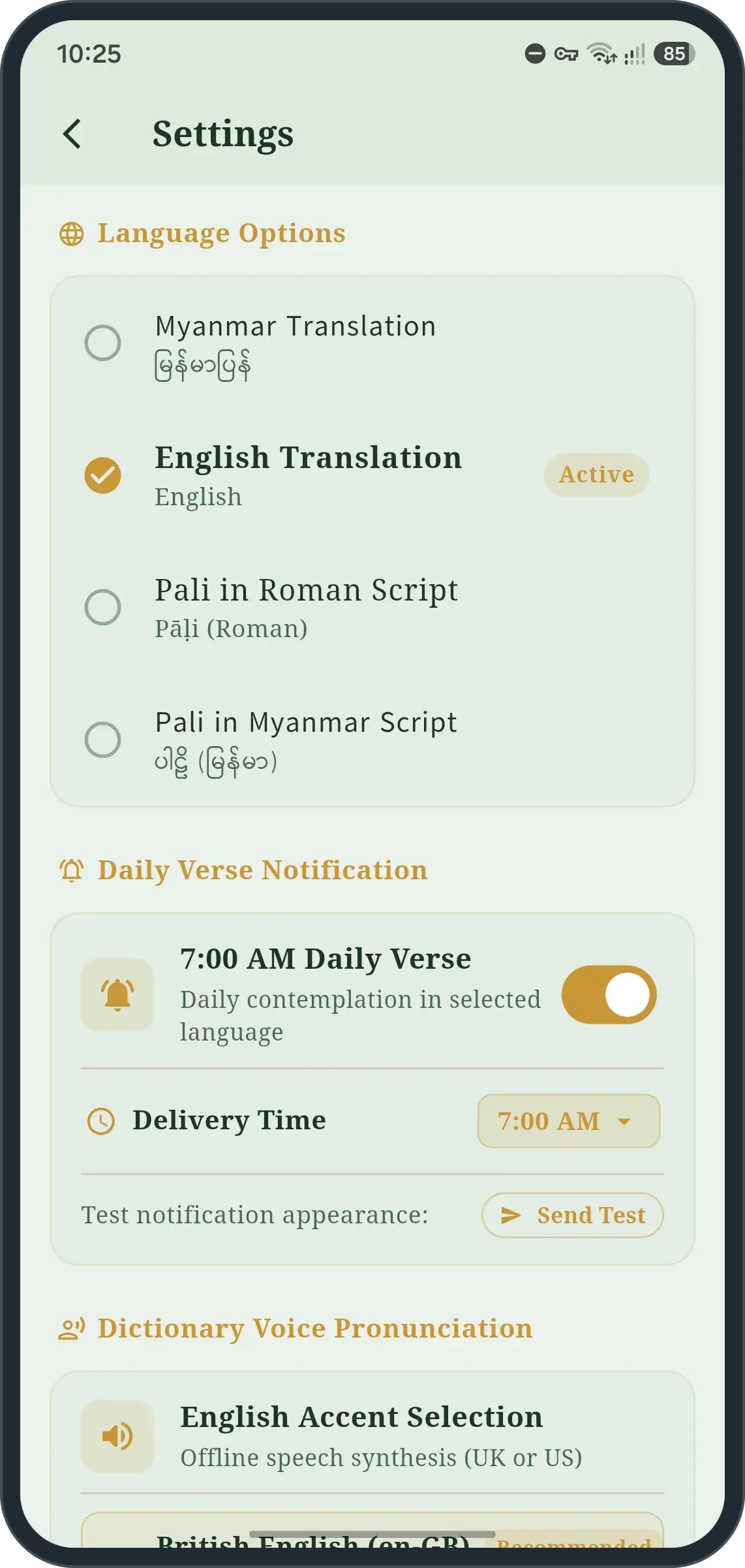
Settings offers English and Myanmar translations and Pāḷi in Roman or Myanmar script. Enable Daily Verse, choose its delivery time, and use Send Test to preview the notification.
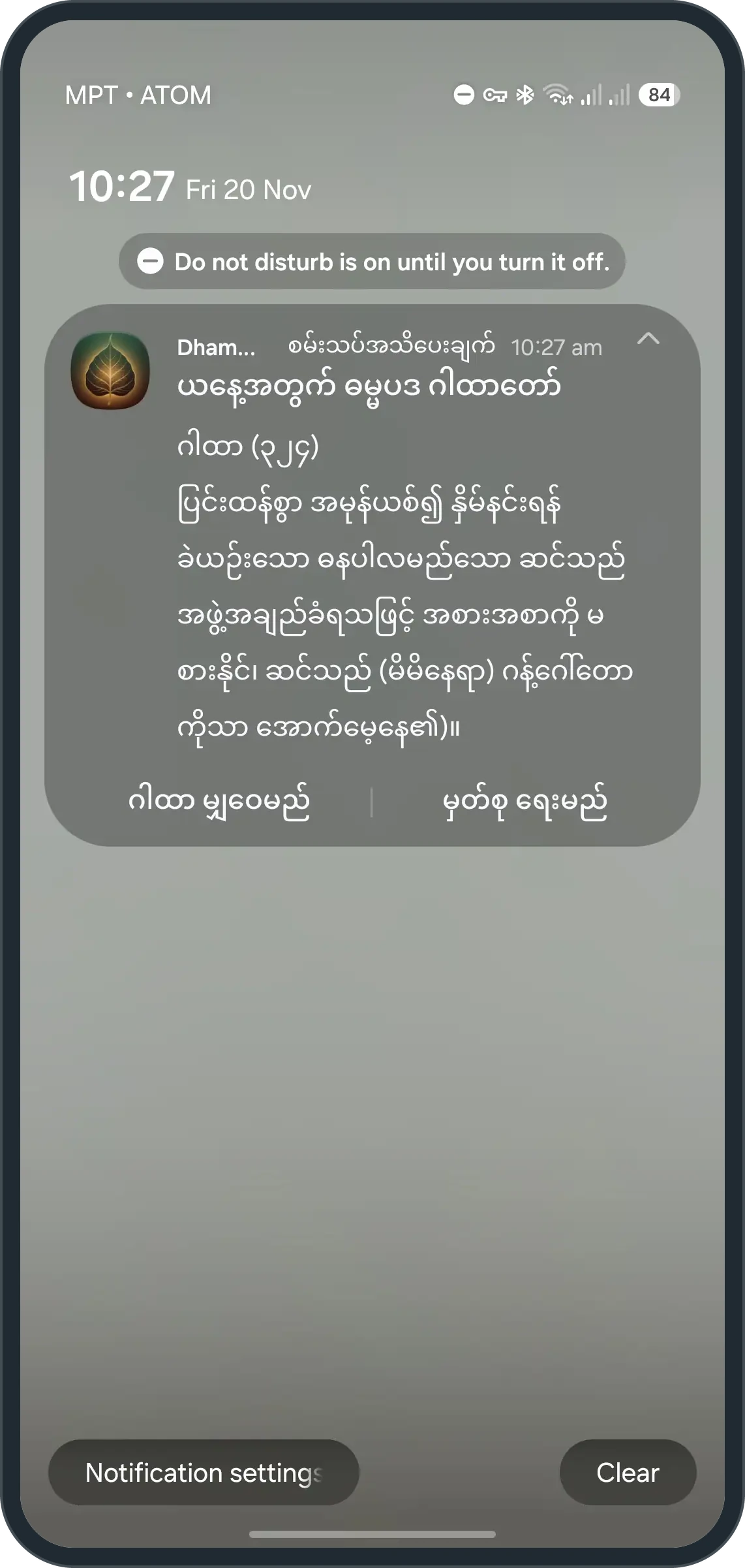
The expanded Android notification displays the daily verse in Myanmar directly in the notification shade. Its action buttons sit beneath the verse.
Chapters and bilingual reading
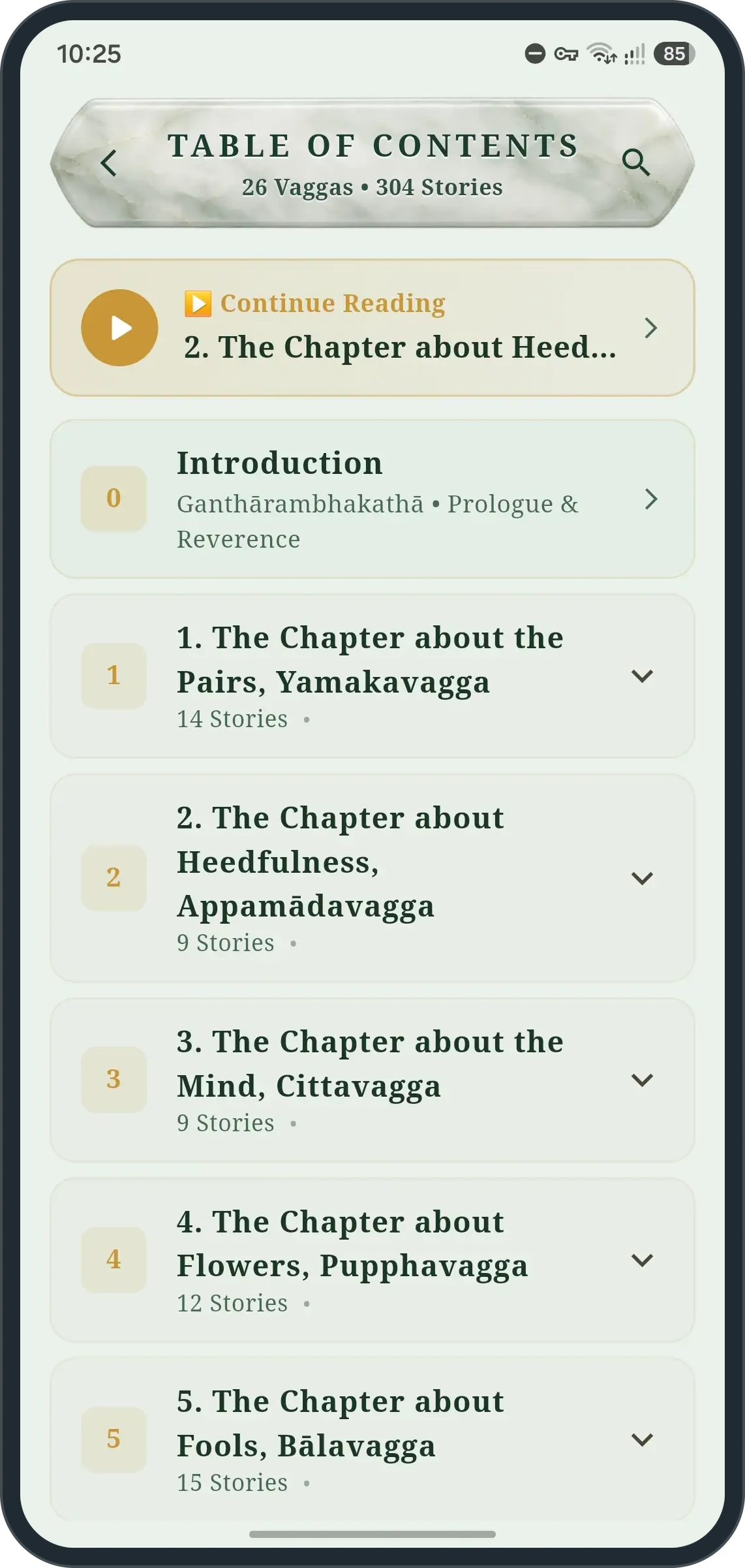
Table of Contents groups the stories into 26 chapters. Expand a chapter to browse its stories, or use Continue Reading at the top to return to your place.
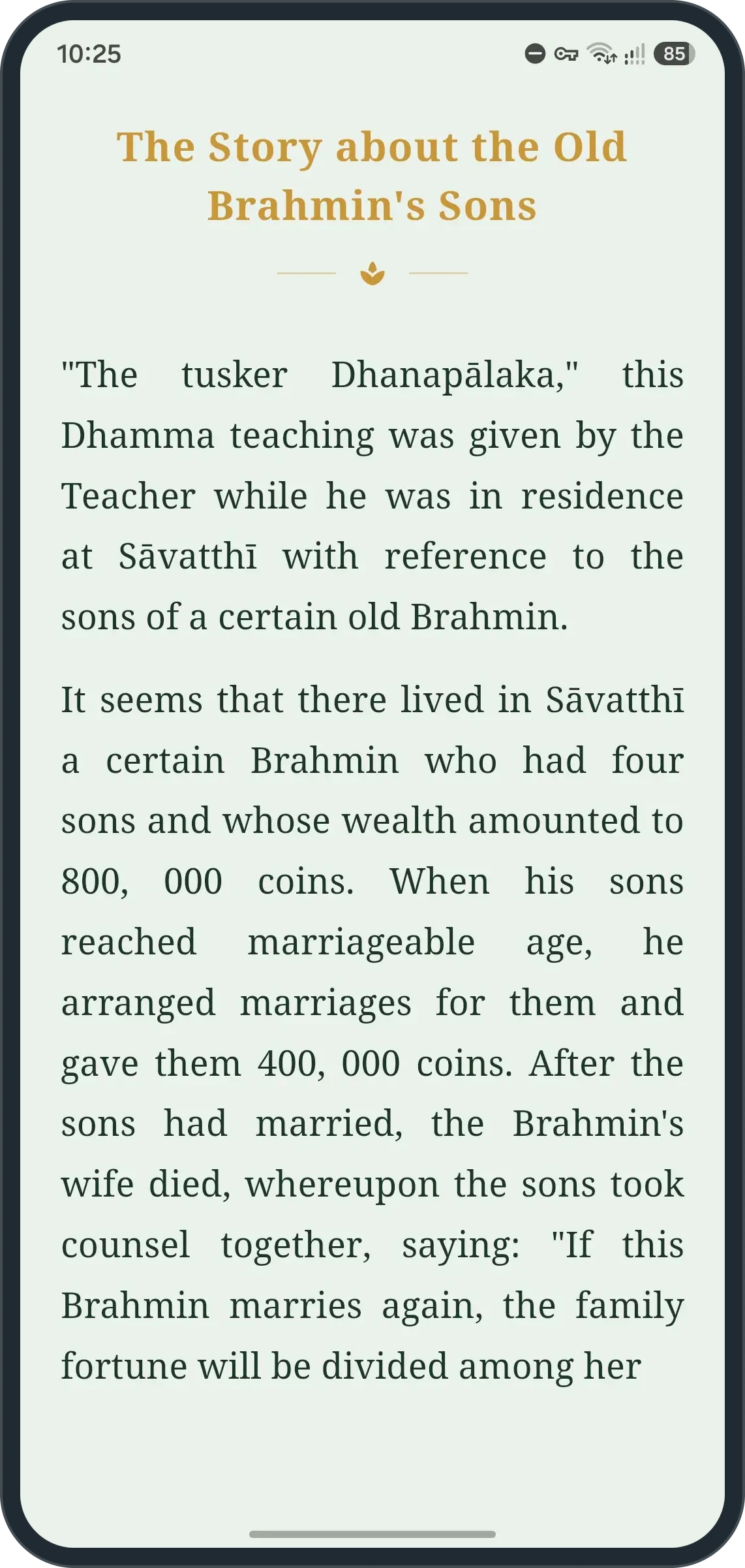
The Story about the Old Brahmin’s Sons opens with the circumstances in which the Buddha taught the verse. With the controls hidden, the story occupies the reading page.
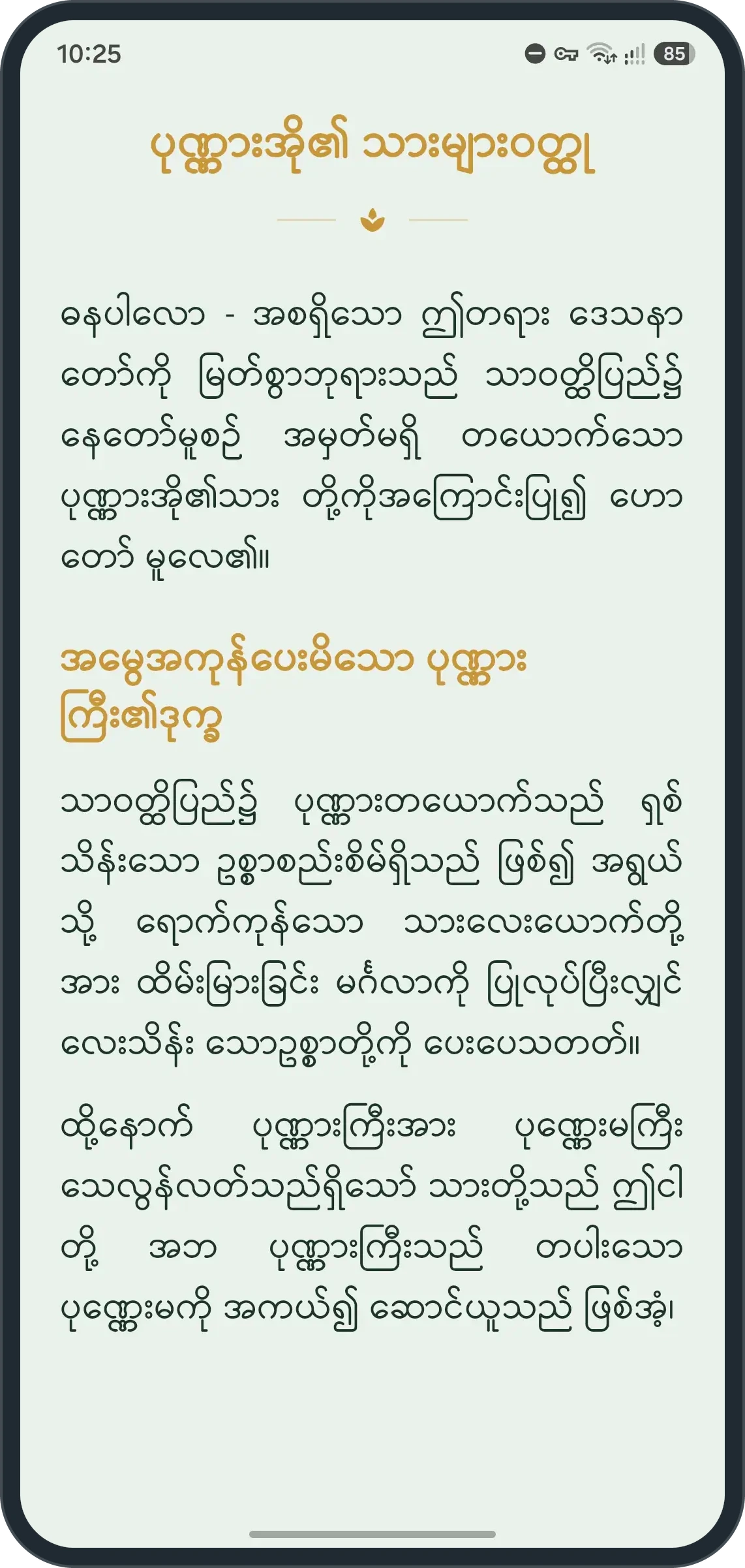
The Myanmar edition of the Old Brahmin’s Sons story shows the verse within its commentary. The distinct text color helps you find the verse as you read.
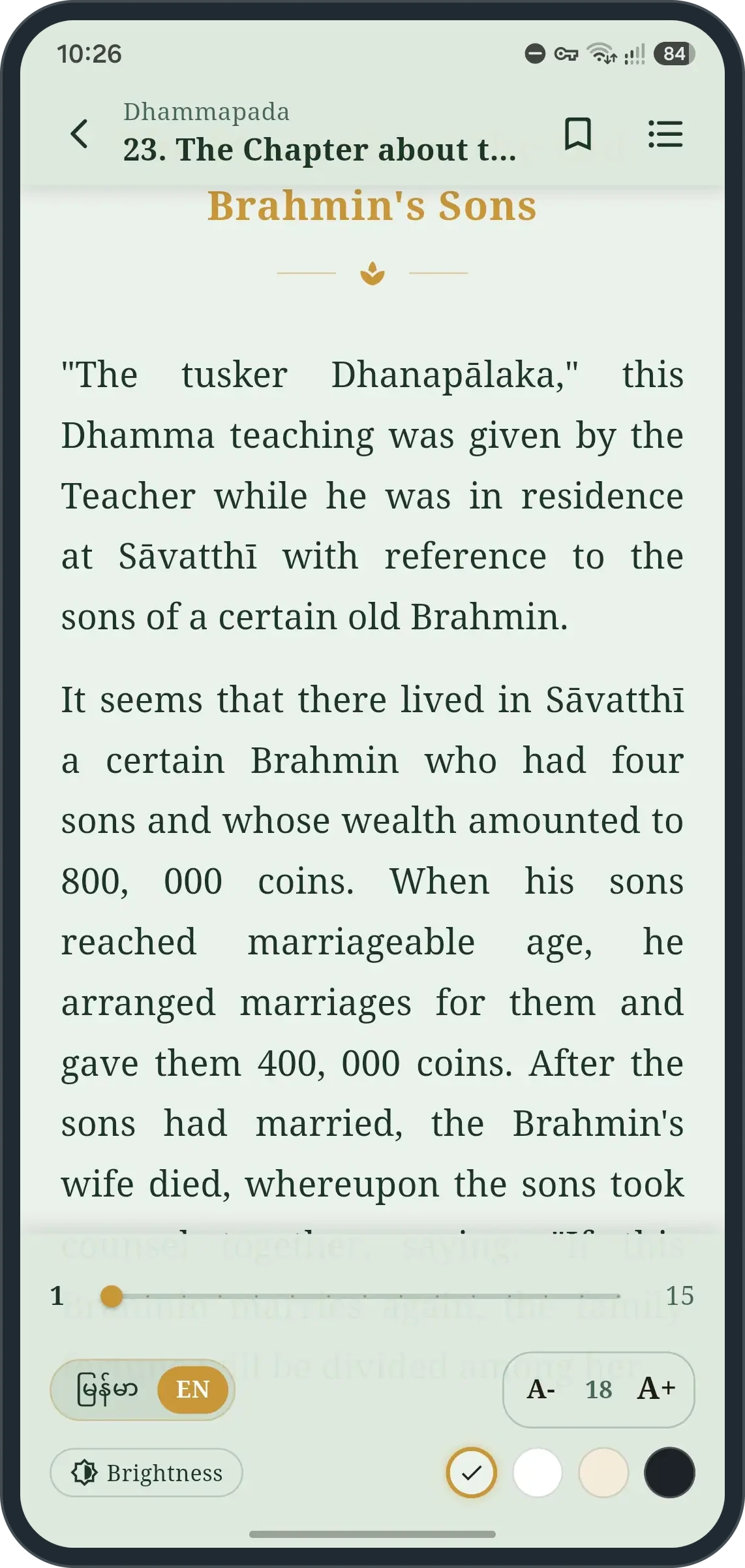
Tap the center to reveal the page slider and the controls below it. Switch language, change type size, adjust brightness, or select a page background.
Dictionary and vocabulary
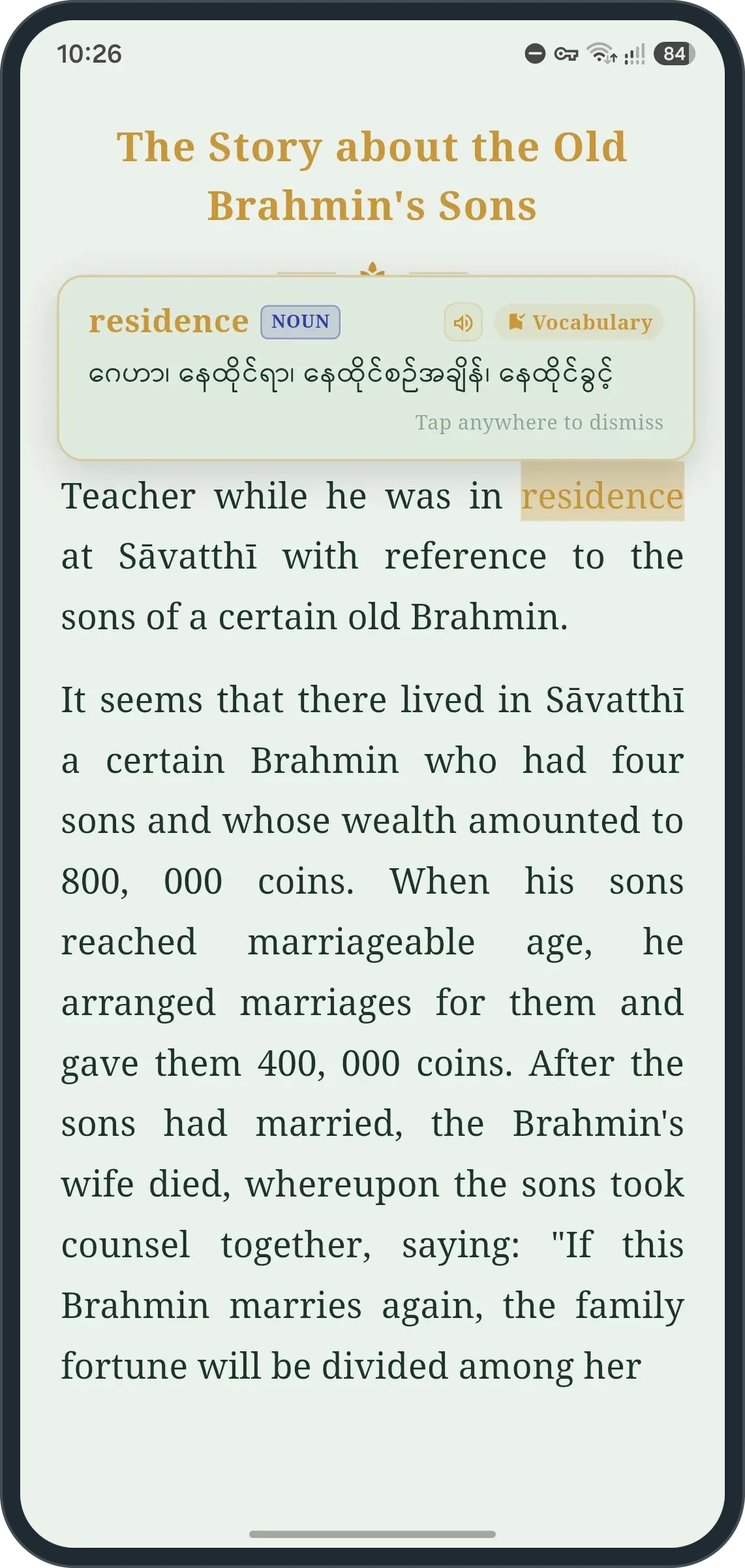
Double-tap the word to highlight it and see its part of speech and Myanmar definition above the passage. Use the speaker to hear it or Vocabulary to keep it for review.
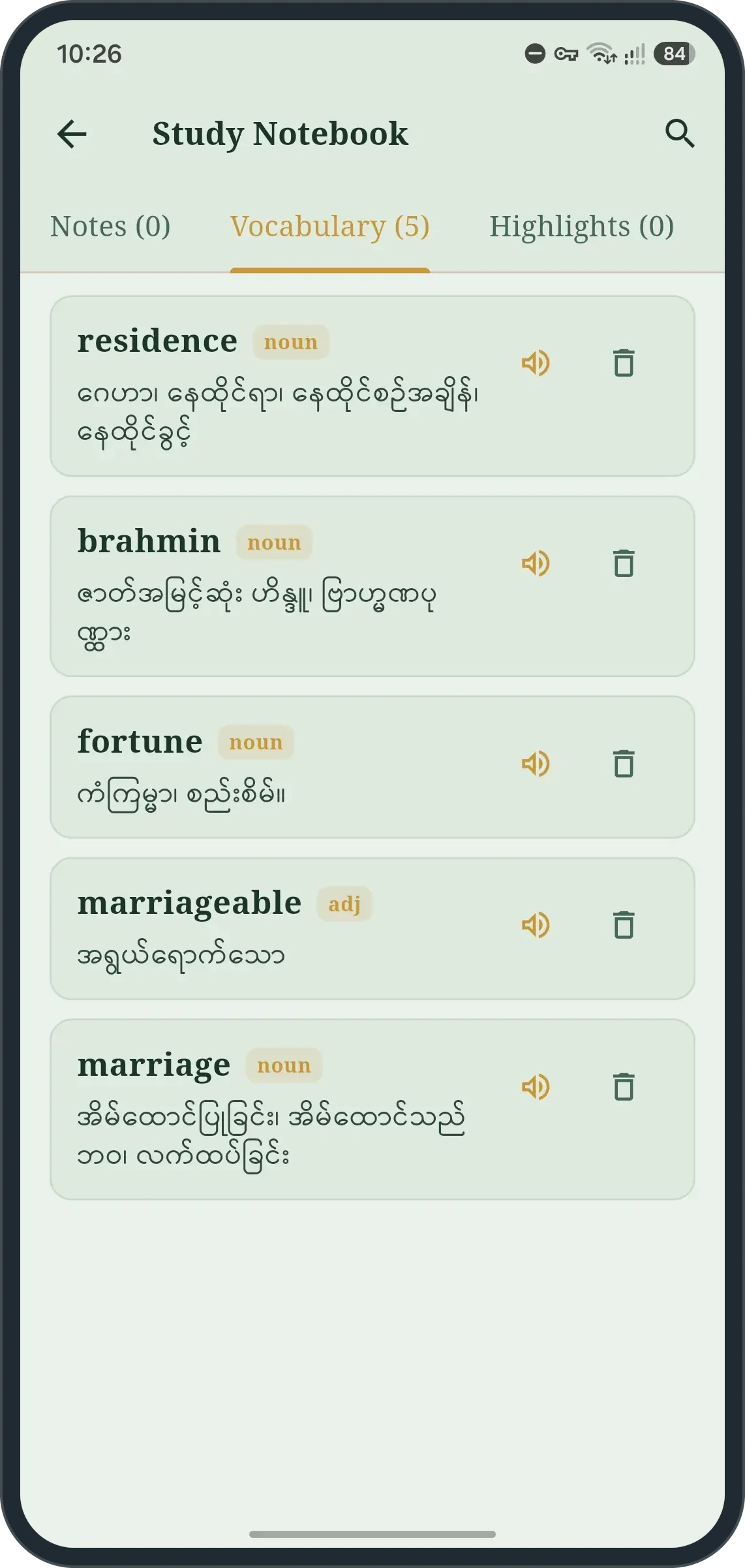
The Vocabulary tab contains five saved words, including “residence.” Each entry keeps its Myanmar meaning and has controls for pronunciation and removal.
Highlights and reflections
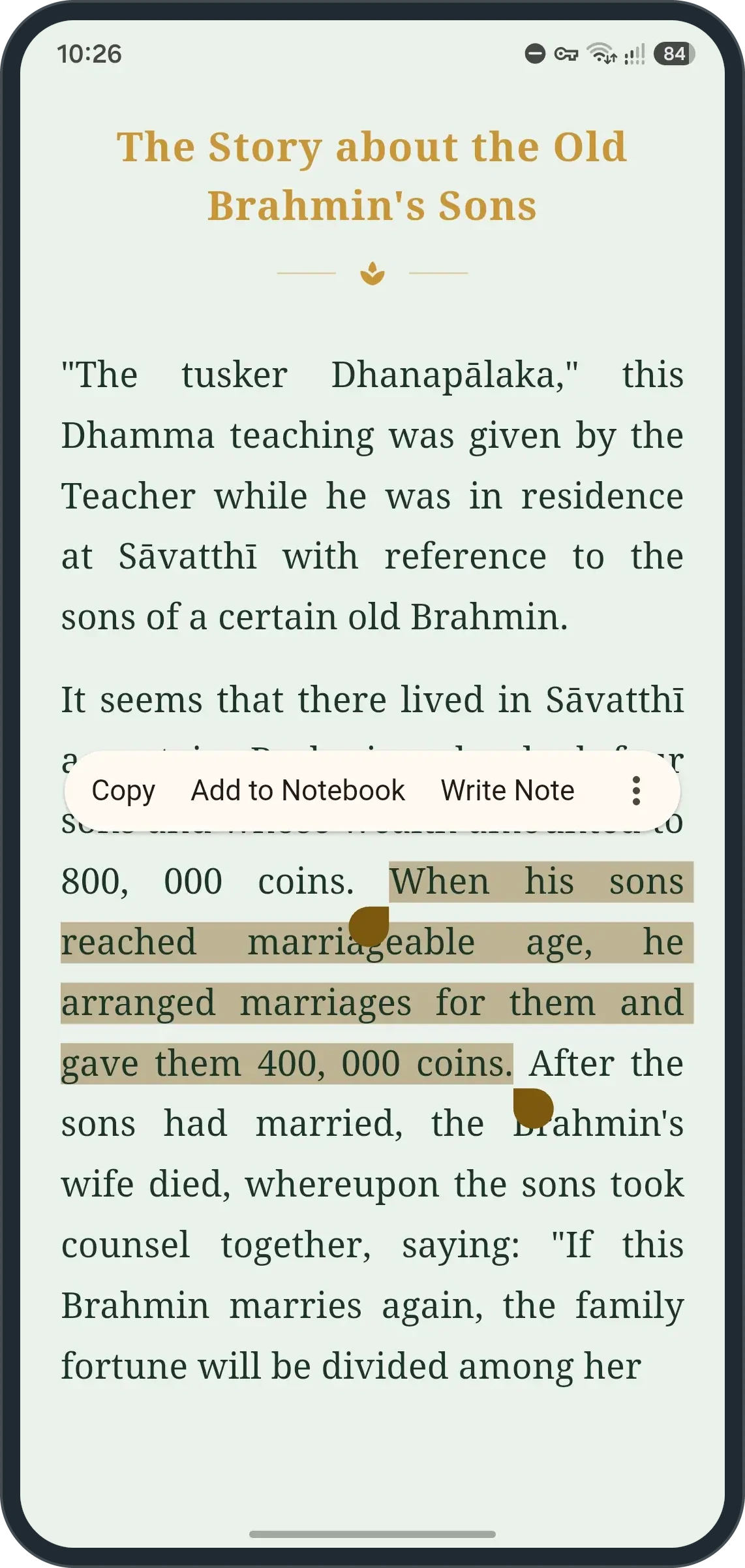
Drag the selection handles around a passage. The menu offers Copy, Add to Notebook, and Write Note for the selected text.
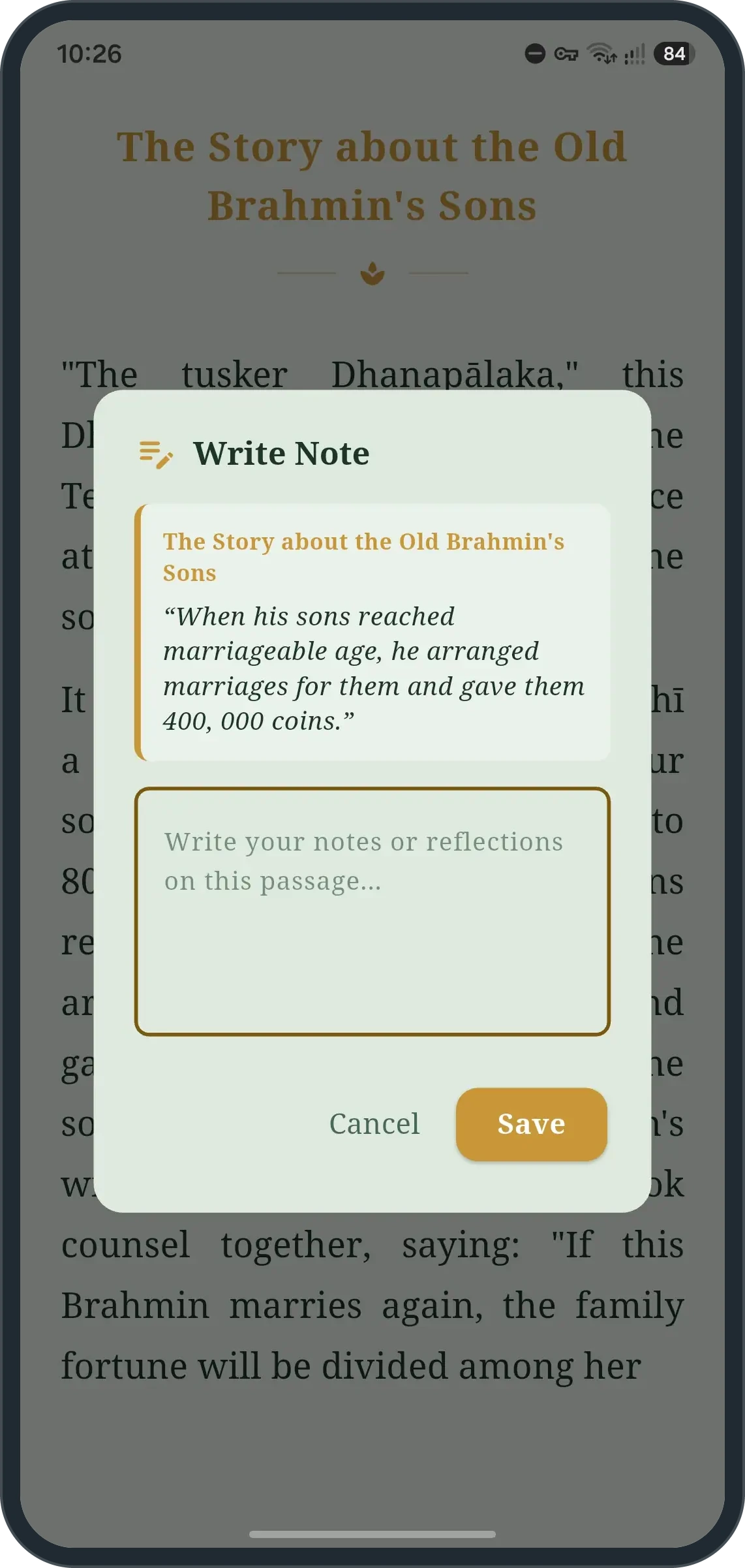
Write Note keeps the story title and selected quotation above the writing field. Enter your reflection and choose Save to keep it with the passage.