
Daily story
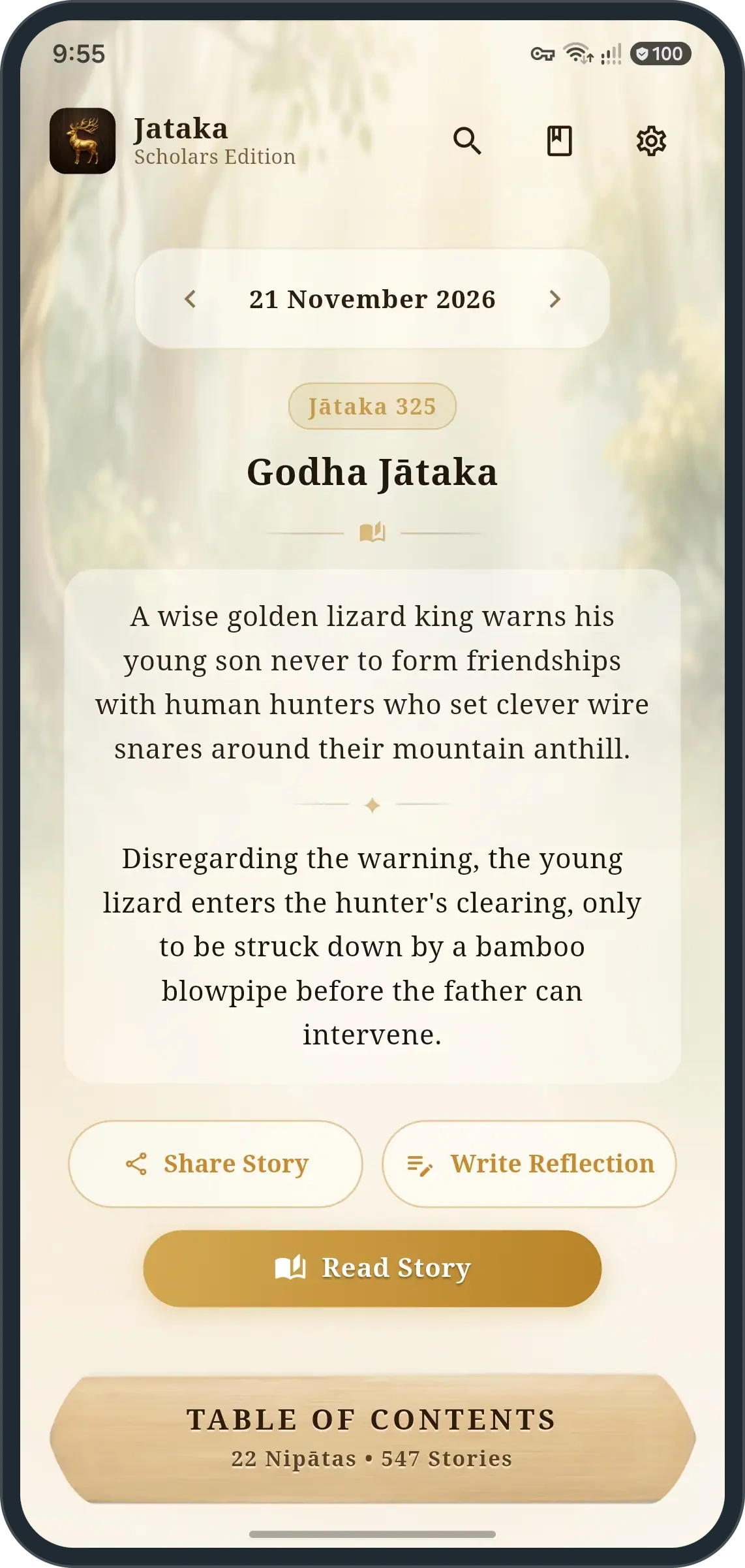
The English home screen introduces the Godha Jātaka with a short account of the golden lizard. Read Story opens the tale, and the adjacent actions let you share it or write a reflection.
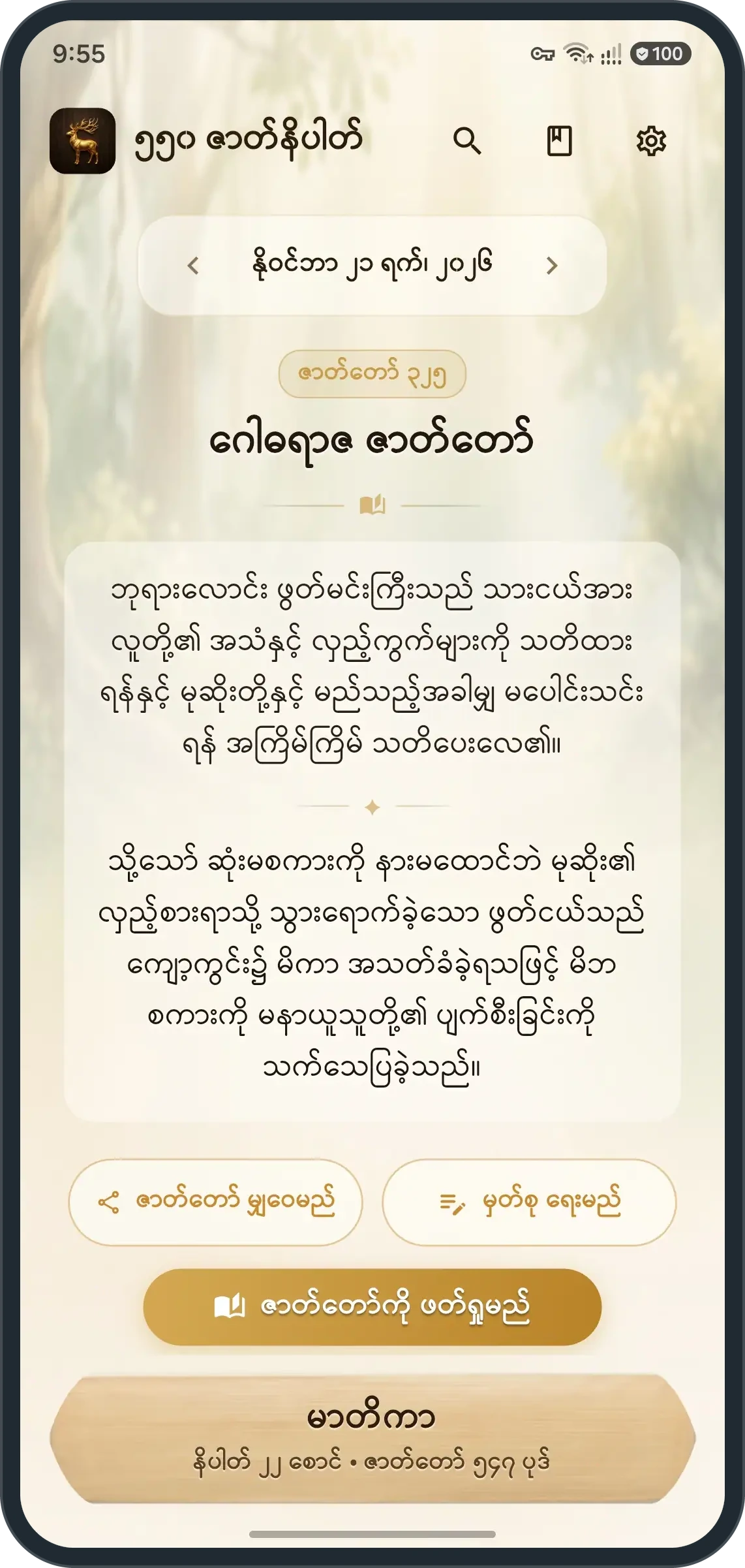
The Myanmar home screen presents the featured tale and its actions in Myanmar. The contents button below the story leads to the wider collection.
Reading and storytelling settings
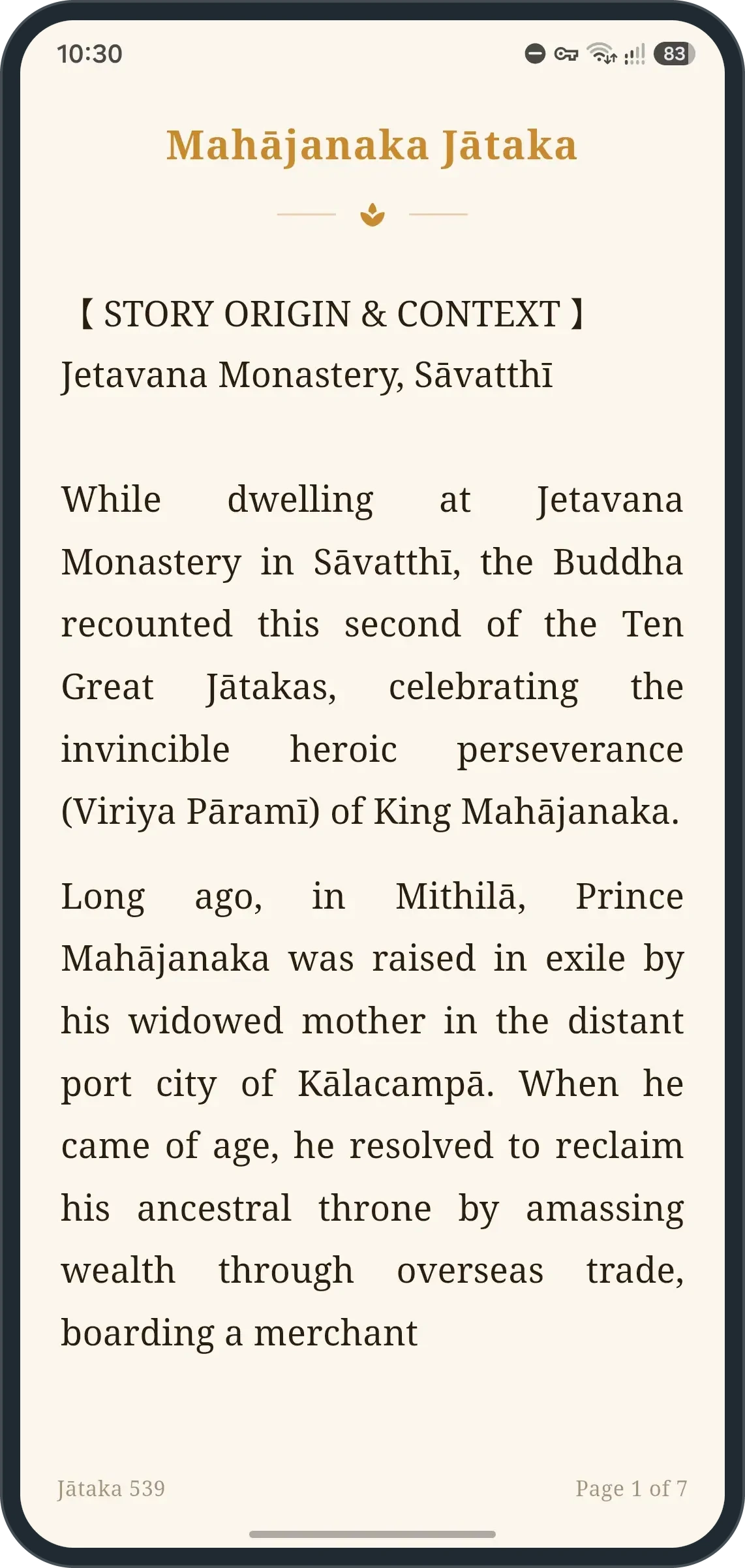
The opening page identifies Jetavana Monastery at Sāvatthī as the setting before introducing King Mahājanaka. The footer shows the tale number and your page within it.
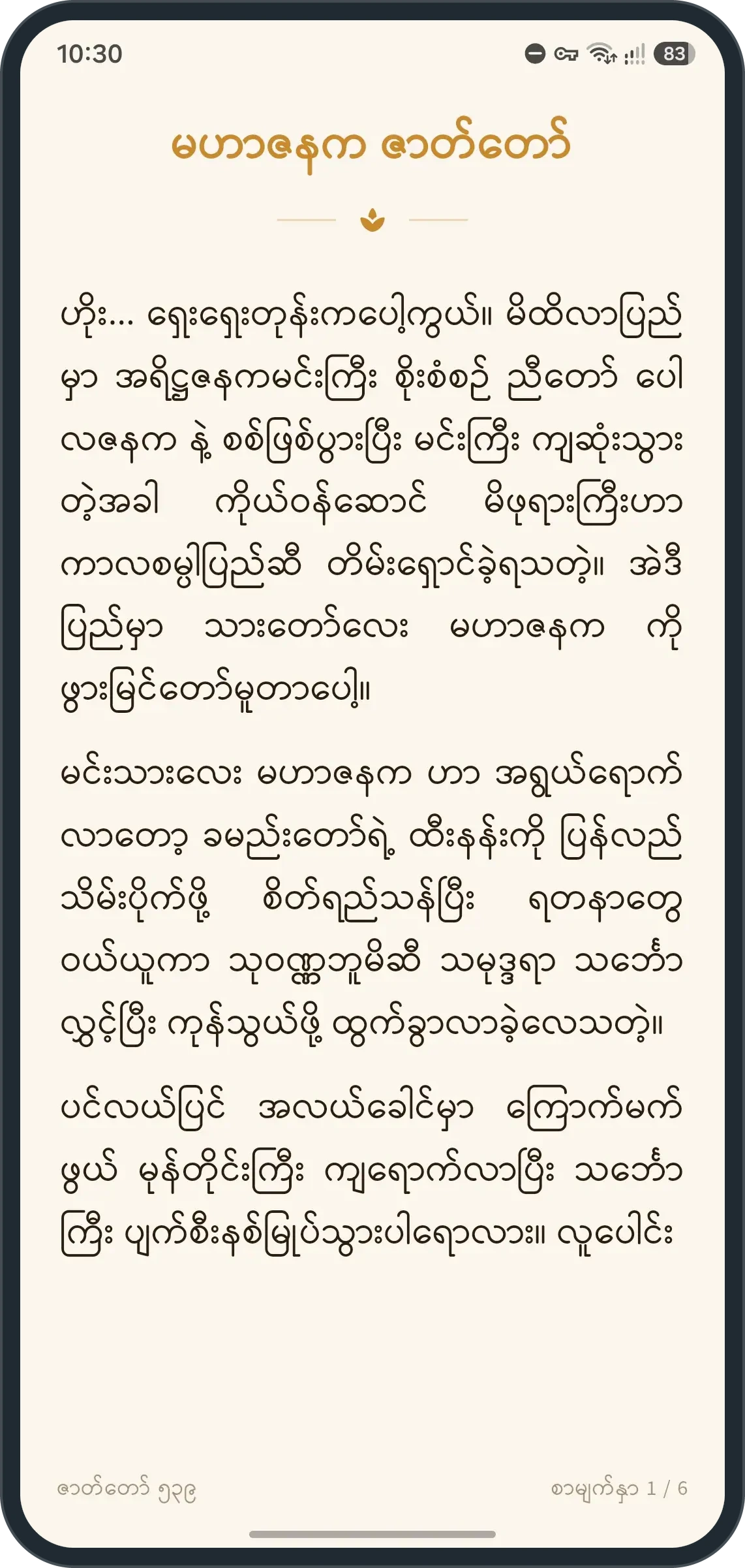
The Myanmar reading page shows the same tale in Myanmar script. Its footer tracks progress using the pagination of this language edition.
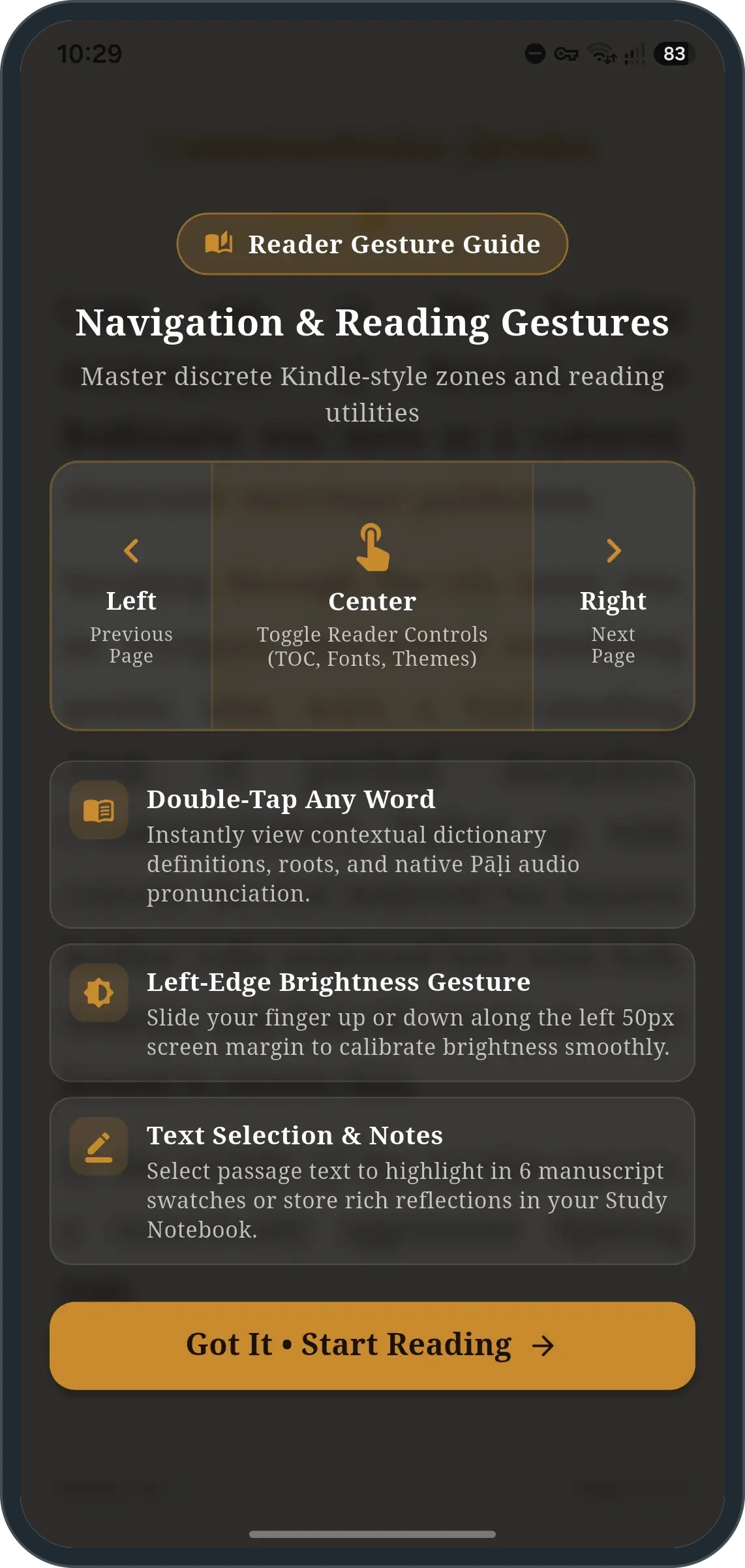
The guide maps the screen edges to page turns and the center to reading controls. It also explains double-tap lookup, the left-edge brightness gesture, and passage selection.
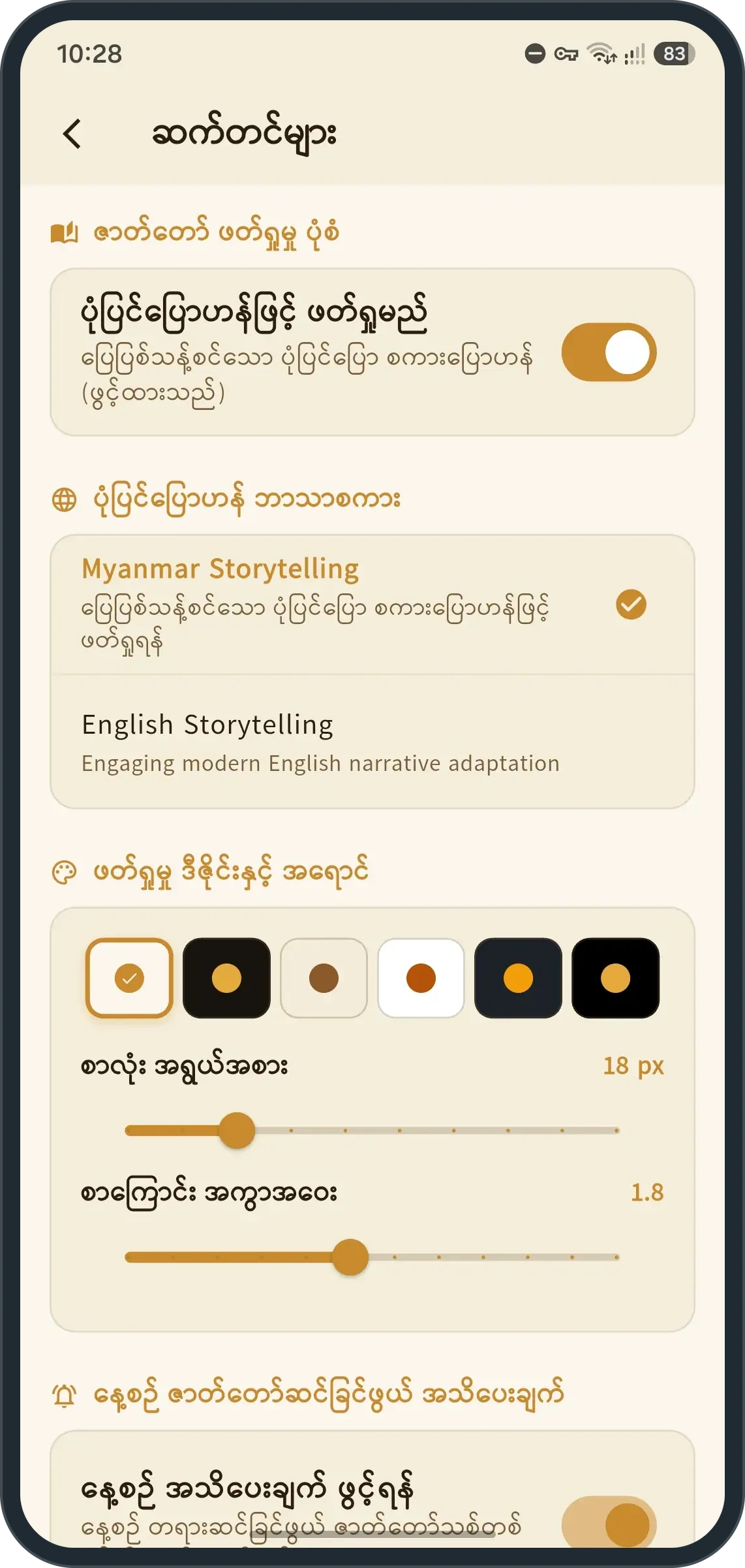
With storytelling mode enabled, choose a Myanmar or English retelling. The color swatches and sliders below let you adjust the page theme, type size, and line spacing.
Words and pronunciation
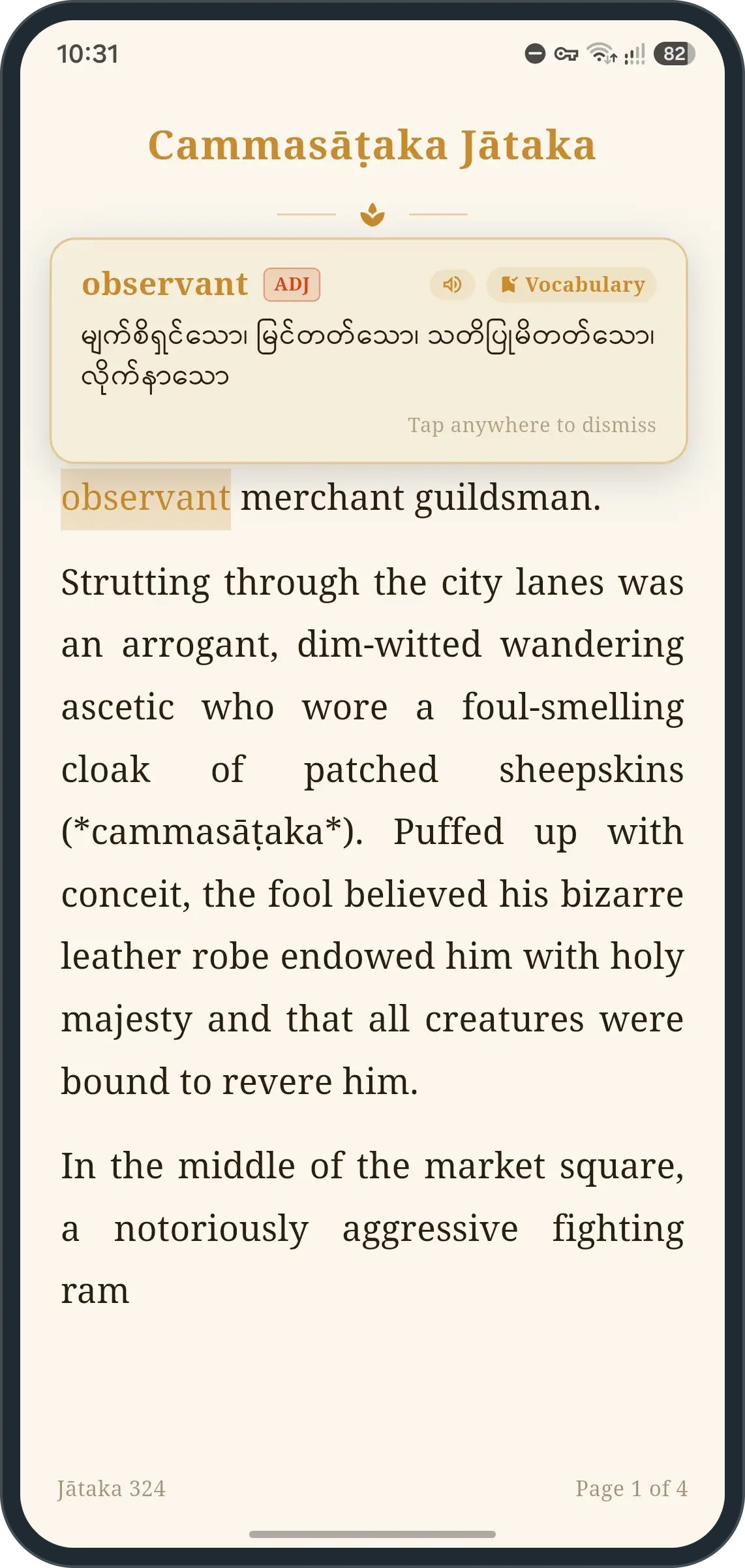
In the Cammasāṭaka Jātaka, double-tapping “observant” opens its adjective entry above the highlighted word. You can listen to it or add it to Vocabulary without leaving the story.
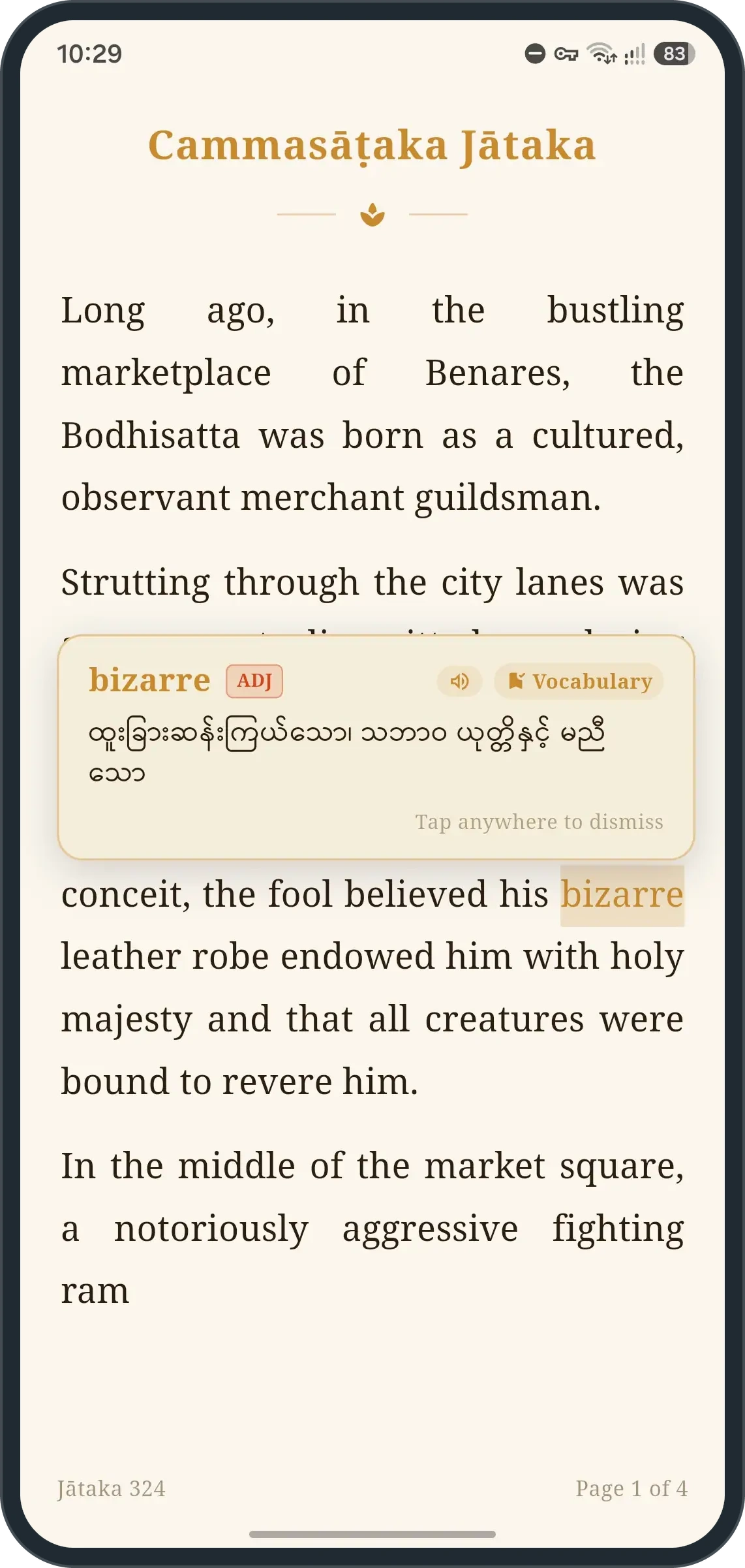
Here the reader has selected “bizarre.” The popup gives its Myanmar meaning while leaving the surrounding sentence visible so you can compare the definition with its use.
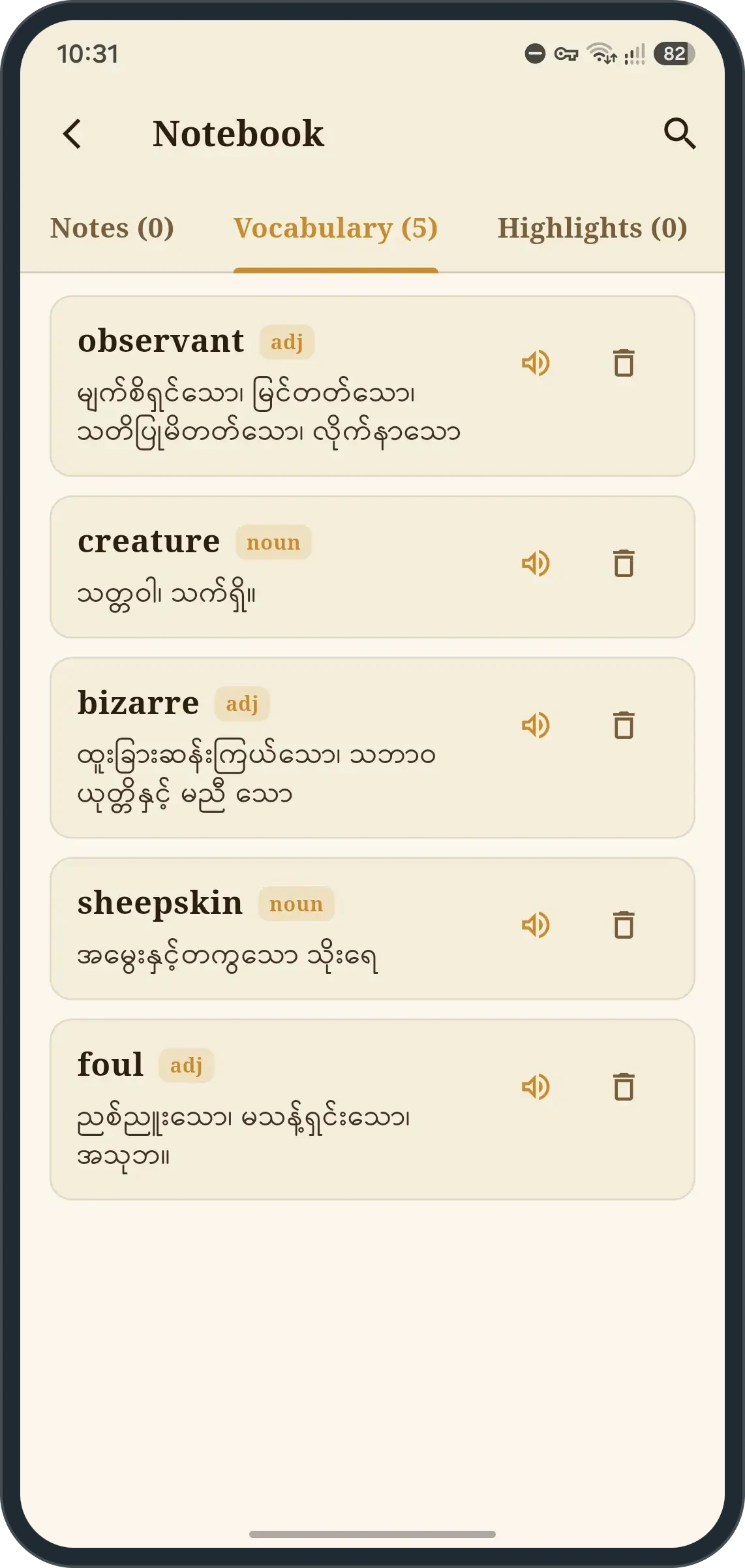
The Notebook lists five saved words, including “observant” and “bizarre.” Use each entry’s speaker button to practice pronunciation alongside its definition.
Passage notes
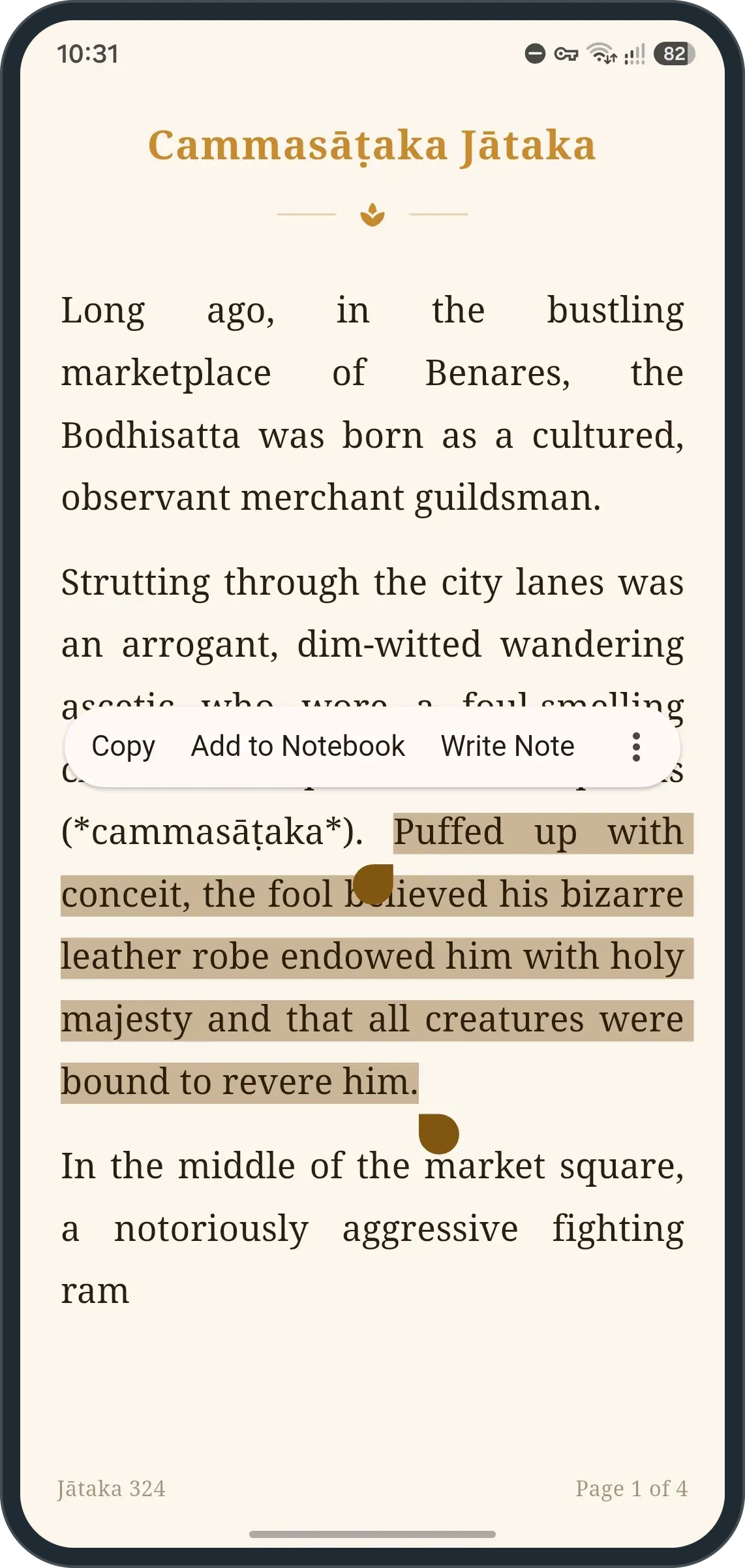
The selected lines describe the man’s belief about his robe. Adjust the handles to include the words you need, then use Write Note or Add to Notebook.
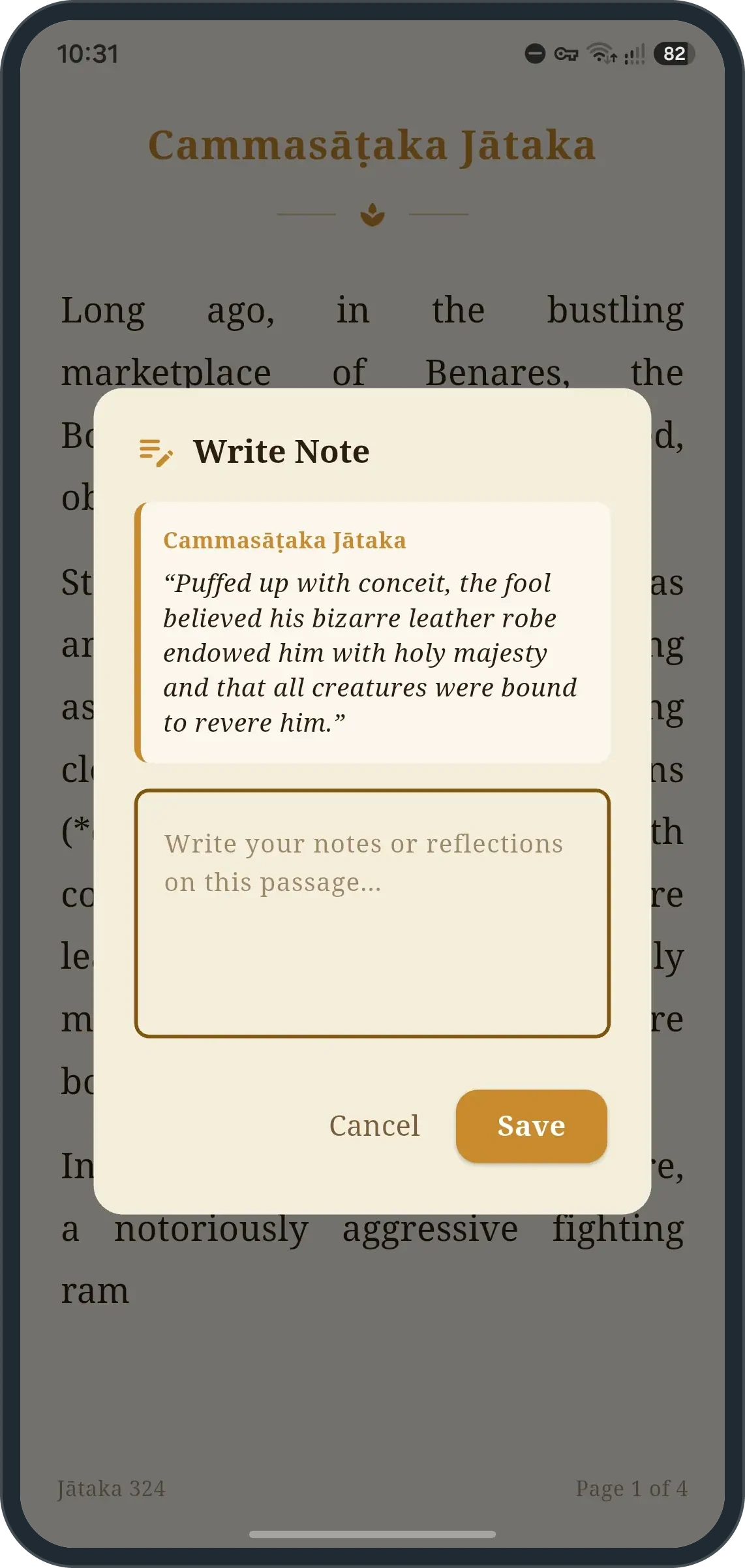
The note form carries over the Cammasāṭaka Jātaka title and the selected lines. Write in the separate field and tap Save to keep your interpretation with its source.